跳转到内容
View in the app

A better way to browse. Learn more.

彼岸论坛

A full-screen app on your home screen with push notifications, badges and more.

To install this app on iOS and iPadOS
  1. Tap the Share icon in Safari
  2. Scroll the menu and tap Add to Home Screen.
  3. Tap Add in the top-right corner.
To install this app on Android
  1. Tap the 3-dot menu (⋮) in the top-right corner of the browser.
  2. Tap Add to Home screen or Install app.
  3. Confirm by tapping Install.
欢迎抵达彼岸 彼岸花开 此处谁在 -彼岸论坛

解锁Pixiv会员,畅享无广告艺术体验!

发表于

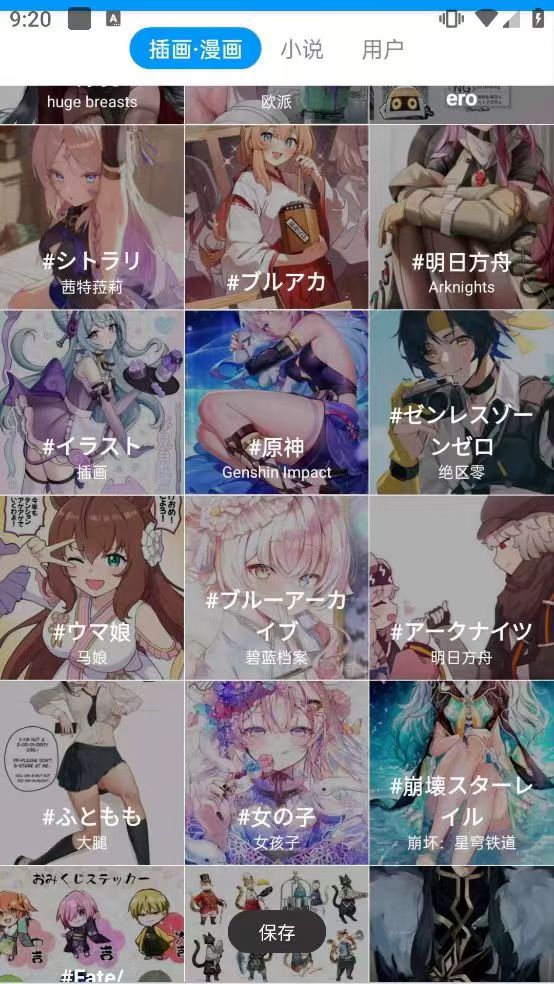
Pixiv是一个主要由日本艺术家所组成的虚拟社群应用,主体为pixiv插画艺术特化的社交网络服务网站。主要分享新兴的日本同人画插画作品。每个参与者都有自己的主页并可以对作品评价打分。

Pixiv的特色在于作者会在里面放入分辨率很高的大图。不光有日本知名插画家,中国、韩国、美国......等国家的绘画高手也聚会于此互相交流。就算不懂日语,光是看画收集图片也是一种很令人高兴的事!

下载链接:https://pan.quark.cn/s/d399c6368fc7

拿走吱一声!
211847i1ppl1l8miu7ic1d.jpg 211849a9xdd9kxxij9jxpx.jpg

Featured Replies

没有可显示的帖子

创建帐户或登录来提出意见

Account

导航

搜索

搜索

Configure browser push notifications

Chrome (Android)
  1. Tap the lock icon next to the address bar.
  2. Tap Permissions → Notifications.
  3. Adjust your preference.
Chrome (Desktop)
  1. Click the padlock icon in the address bar.
  2. Select Site settings.
  3. Find Notifications and adjust your preference.