跳转到内容
View in the app

A better way to browse. Learn more.

彼岸论坛

A full-screen app on your home screen with push notifications, badges and more.

To install this app on iOS and iPadOS
  1. Tap the Share icon in Safari
  2. Scroll the menu and tap Add to Home Screen.
  3. Tap Add in the top-right corner.
To install this app on Android
  1. Tap the 3-dot menu (⋮) in the top-right corner of the browser.
  2. Tap Add to Home screen or Install app.
  3. Confirm by tapping Install.
欢迎抵达彼岸 彼岸花开 此处谁在 -彼岸论坛

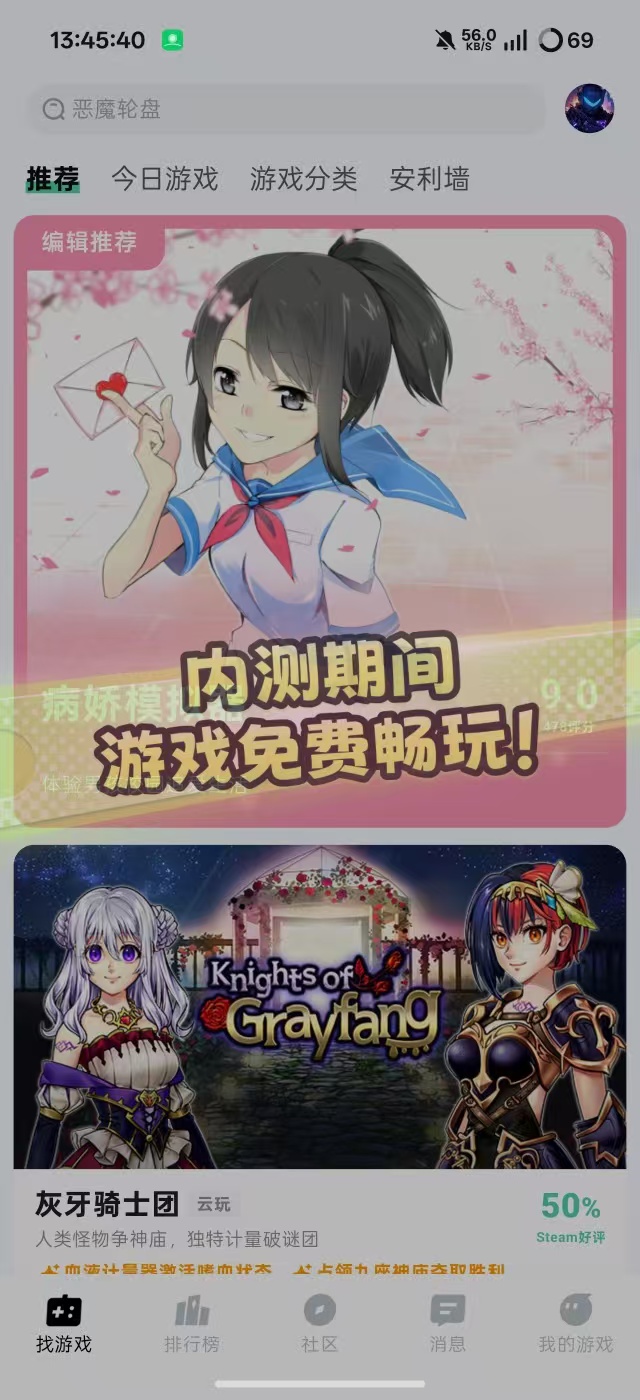
魔核V1.2.12,免费不限时长云游戏,极速排队!

发表于

最近新出的云游戏目前是免费不限时长而且不用排队秒进[滑稽][滑稽][滑稽]
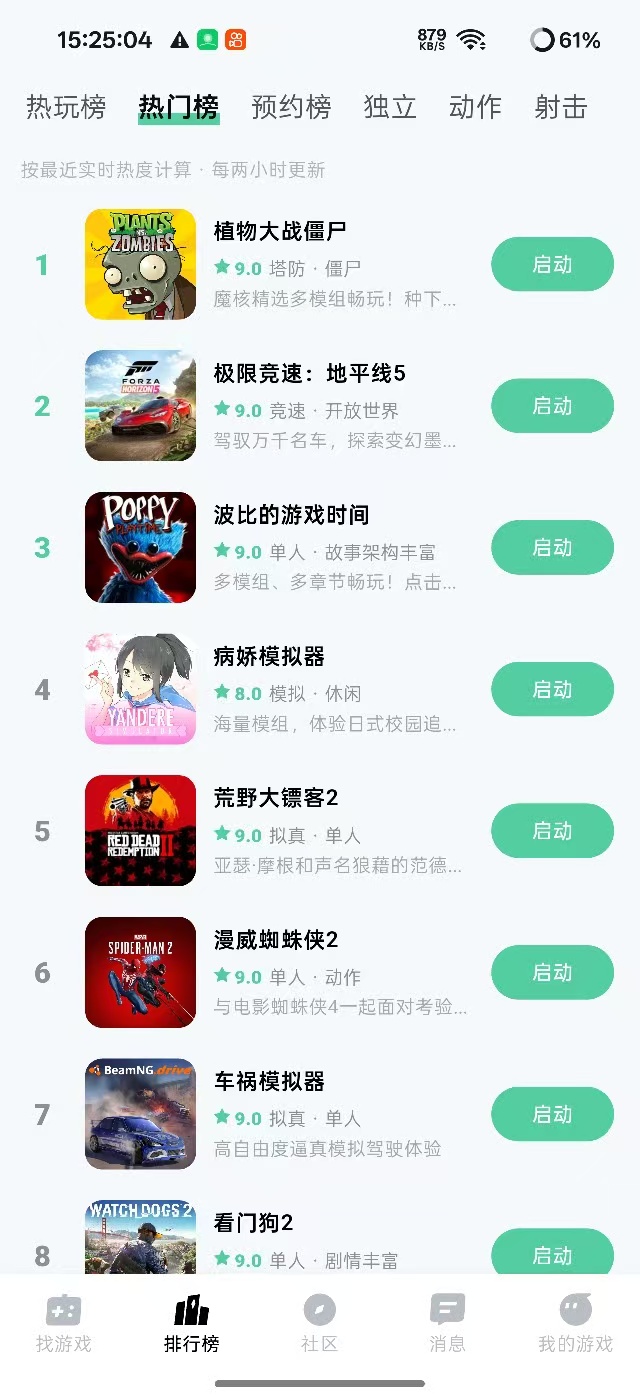
【资源名称】:魔核

【资源版本】:V1.2.12

【资源大小】:60MB

【资源介绍】:魔核是一款面向游戏爱好者的云游戏平台应用,核心定位是让用户无需高配硬件,只要有网络即可在手机、平板甚至低配电脑上畅玩数千款3A大作。它通过高性能服务器和稳定的云端架构,实现“点开即玩”,省去下载安装和存储空间的负担。

【下载链接】:https://pan.quark.cn/s/57e11cd8f236

拿走吱一声!!!不然用不了!!!
175751f13nllqrvflheq1v.jpg 175750fm3ddrmmd9d3mn08.jpg 175748v8rv26ma47mkcjbe.jpg

Featured Replies

没有可显示的帖子

创建帐户或登录来提出意见

Account

导航

搜索

搜索

Configure browser push notifications

Chrome (Android)
  1. Tap the lock icon next to the address bar.
  2. Tap Permissions → Notifications.
  3. Adjust your preference.
Chrome (Desktop)
  1. Click the padlock icon in the address bar.
  2. Select Site settings.
  3. Find Notifications and adjust your preference.