跳转到内容
View in the app

A better way to browse. Learn more.

彼岸论坛

A full-screen app on your home screen with push notifications, badges and more.

To install this app on iOS and iPadOS
  1. Tap the Share icon in Safari
  2. Scroll the menu and tap Add to Home Screen.
  3. Tap Add in the top-right corner.
To install this app on Android
  1. Tap the 3-dot menu (⋮) in the top-right corner of the browser.
  2. Tap Add to Home screen or Install app.
  3. Confirm by tapping Install.
欢迎抵达彼岸 彼岸花开 此处谁在 -彼岸论坛

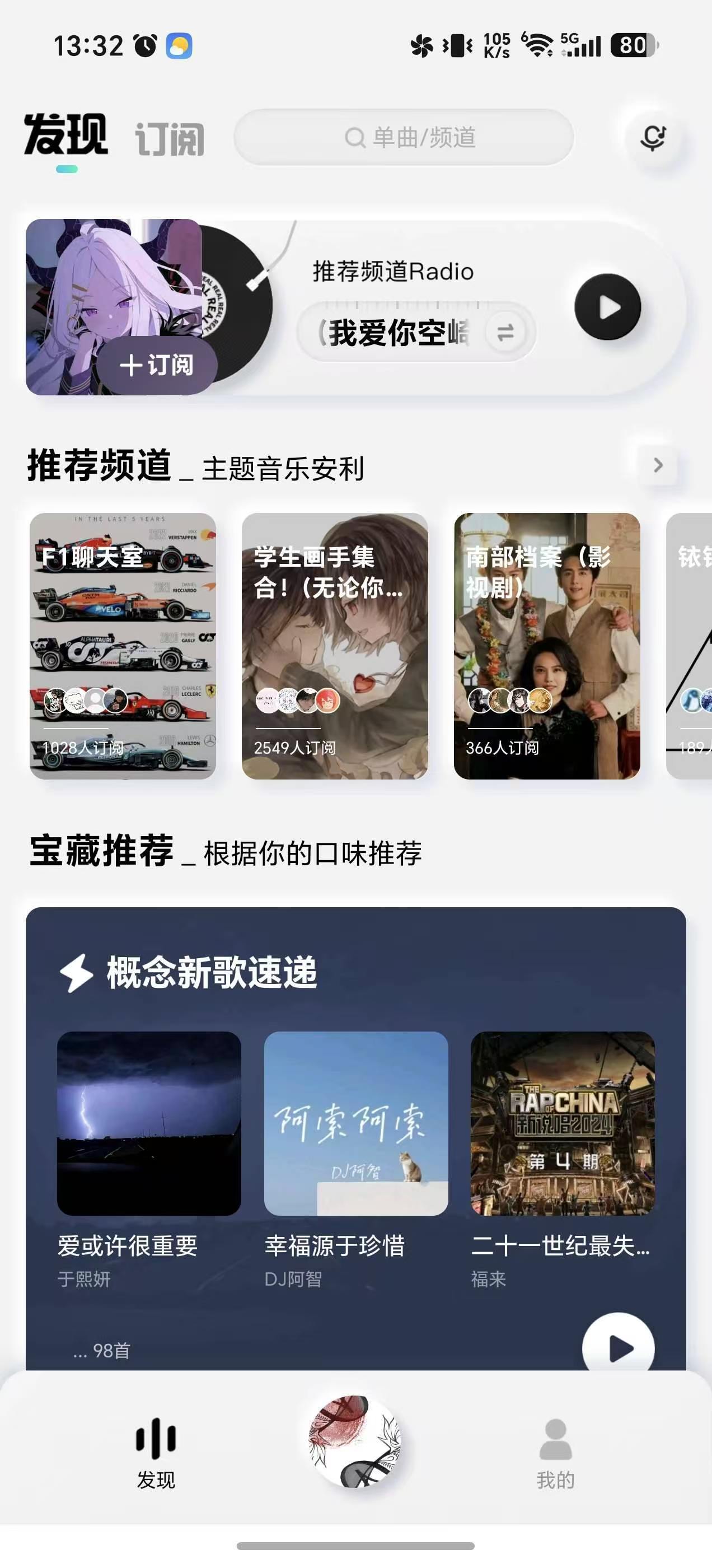
酷狗概念版2.5.5版本一-最后的辉煌

发表于

没有开屏广告,无需看广告或手动领取,2.5.5版本后的酷狗概念版,这些功能将渐渐消失清净的风格,拥有着与酷狗音乐一样的功能,只要点击任意音乐,就能在几秒内获得一天的
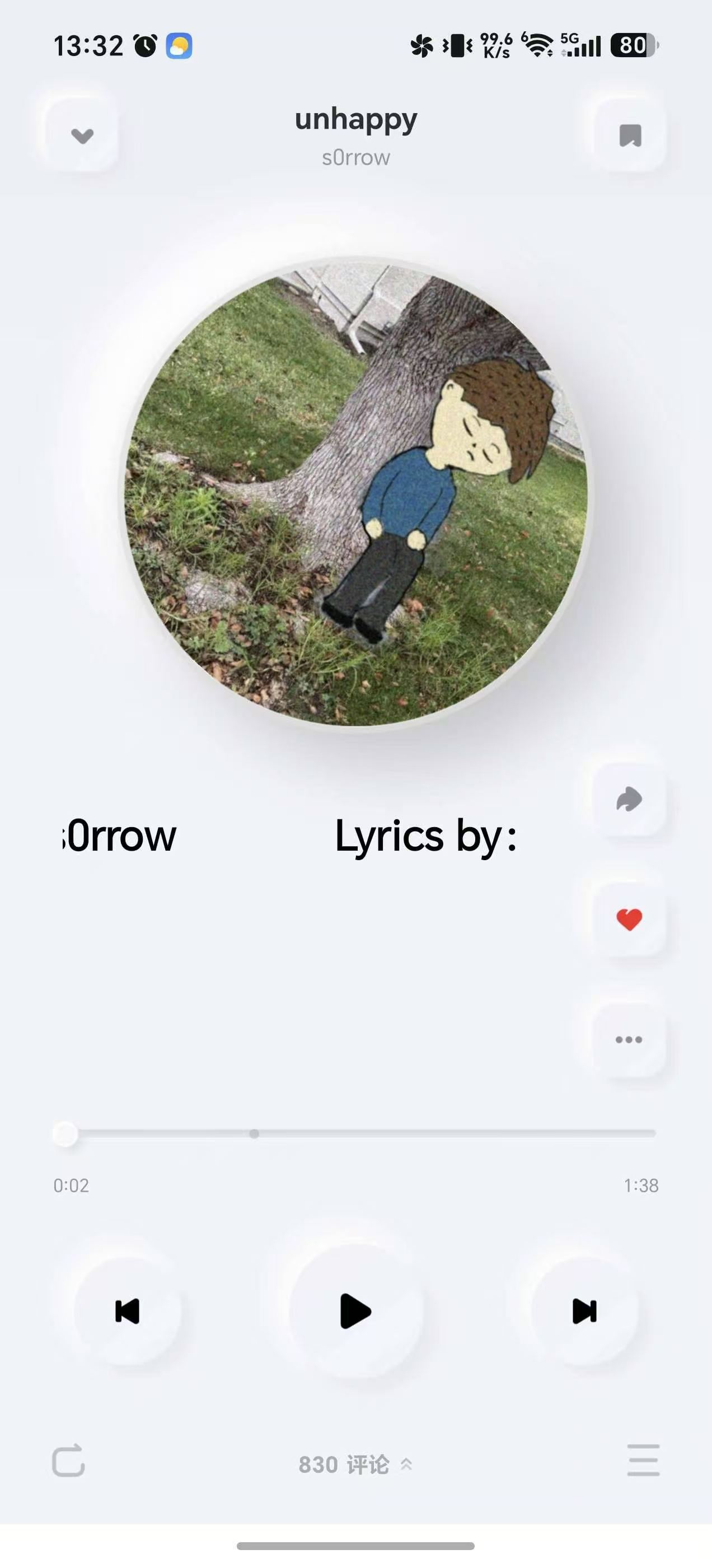
VIP,实现全功能畅用!下面是一些技巧:1.遇到无版权及其他原因听不了的音乐,只需收藏该音乐,在收藏夹里就能听到了2.音乐会在VIP到期后同步消失,所以可以将音乐设为铃声,范围拉到整个音乐,就能永久下载(当然这是我的情况,如果你没有,可以忽略)

下载链接:https://pan.quark.cn/s/2199d3d1c8aa

拿走吱一声!

174351chen86l3sse6vs4l.jpg 174353t8cxbb34xq438eh3.jpg

Featured Replies

没有可显示的帖子

创建帐户或登录来提出意见

Account

导航

搜索

搜索

Configure browser push notifications

Chrome (Android)
  1. Tap the lock icon next to the address bar.
  2. Tap Permissions → Notifications.
  3. Adjust your preference.
Chrome (Desktop)
  1. Click the padlock icon in the address bar.
  2. Select Site settings.
  3. Find Notifications and adjust your preference.