跳转到内容
View in the app

A better way to browse. Learn more.

彼岸论坛

A full-screen app on your home screen with push notifications, badges and more.

To install this app on iOS and iPadOS
  1. Tap the Share icon in Safari
  2. Scroll the menu and tap Add to Home Screen.
  3. Tap Add in the top-right corner.
To install this app on Android
  1. Tap the 3-dot menu (⋮) in the top-right corner of the browser.
  2. Tap Add to Home screen or Install app.
  3. Confirm by tapping Install.
欢迎抵达彼岸 彼岸花开 此处谁在 -彼岸论坛

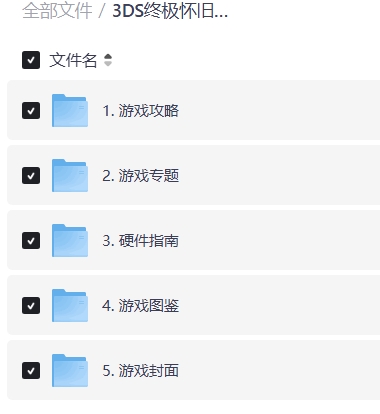
3DS 游戏攻略 游戏专题 硬件指南 游戏图鉴 游戏封面合集分享

发表于

3DS 游戏攻略 游戏专题 硬件指南 游戏图鉴 游戏封面合集分享                                            

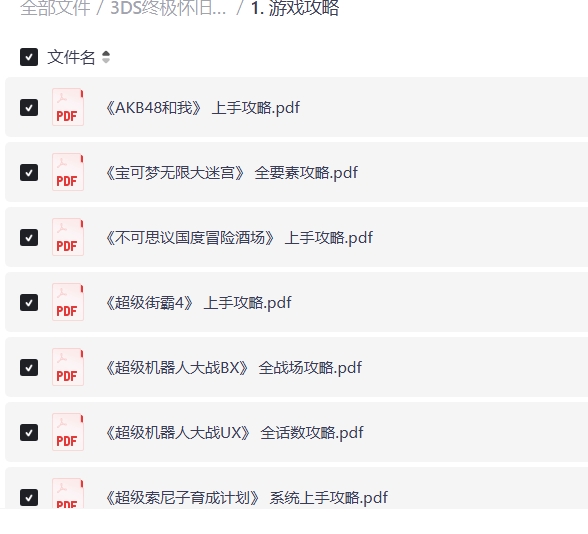
1. 3DS游戏攻略
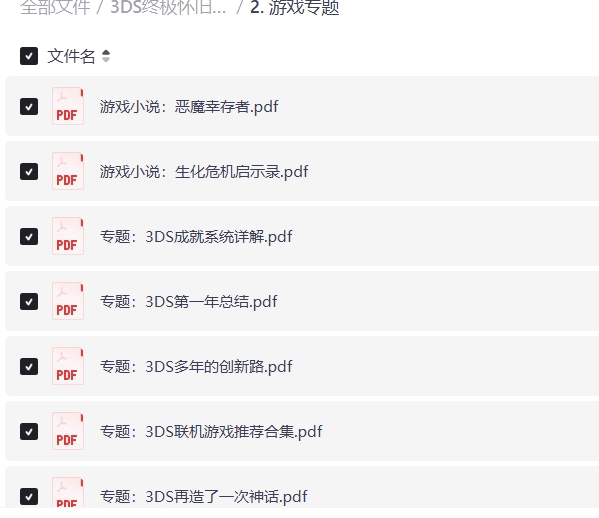
2. 3DS游戏专题
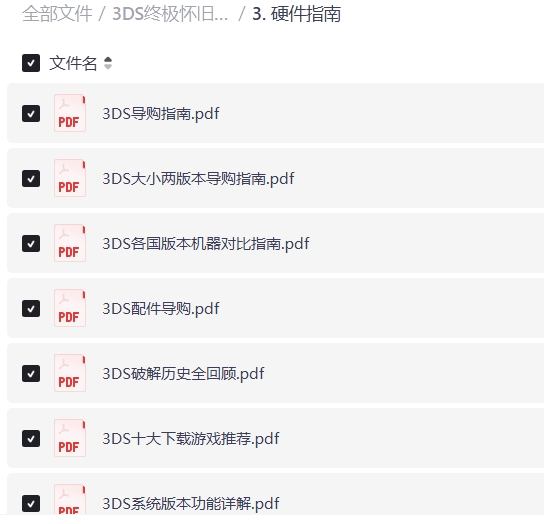
3. 3DS硬件指南
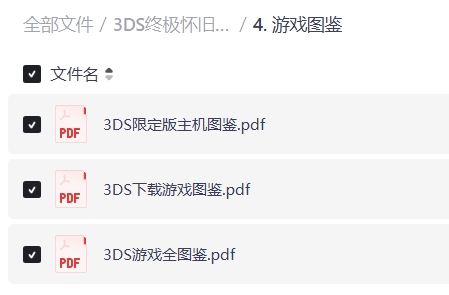
4. 3DS游戏图鉴
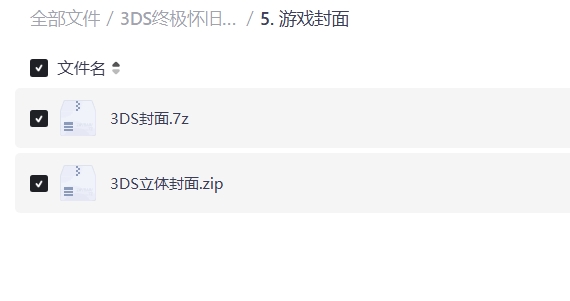
5. 3DS游戏封面

下载地址:
https://pan.quark.cn/s/b28a5451404c
3DS游戏资源合集
含汉化中文游戏

3DS游戏所有中文全集含模拟器
https://www.kdocs.cn/l/cp3iOIaaG6Ao
https://sway.cloud.microsoft/vrL7L7wc4GJ3t03R


6a7e73d17b326.jpeg
6a7e73ccd195c.jpeg
6a7e73cc8a580.jpeg
6a7e73cdc7ba3.jpeg
6a7e73cdbc51b.jpeg
6a7e73cdbe90e.jpeg

Featured Replies

没有可显示的帖子

创建帐户或登录来提出意见

Account

导航

搜索

搜索

Configure browser push notifications

Chrome (Android)
  1. Tap the lock icon next to the address bar.
  2. Tap Permissions → Notifications.
  3. Adjust your preference.
Chrome (Desktop)
  1. Click the padlock icon in the address bar.
  2. Select Site settings.
  3. Find Notifications and adjust your preference.