跳转到内容
View in the app

A better way to browse. Learn more.

彼岸论坛

A full-screen app on your home screen with push notifications, badges and more.

To install this app on iOS and iPadOS
  1. Tap the Share icon in Safari
  2. Scroll the menu and tap Add to Home Screen.
  3. Tap Add in the top-right corner.
To install this app on Android
  1. Tap the 3-dot menu (⋮) in the top-right corner of the browser.
  2. Tap Add to Home screen or Install app.
  3. Confirm by tapping Install.
欢迎抵达彼岸 彼岸花开 此处谁在 -彼岸论坛

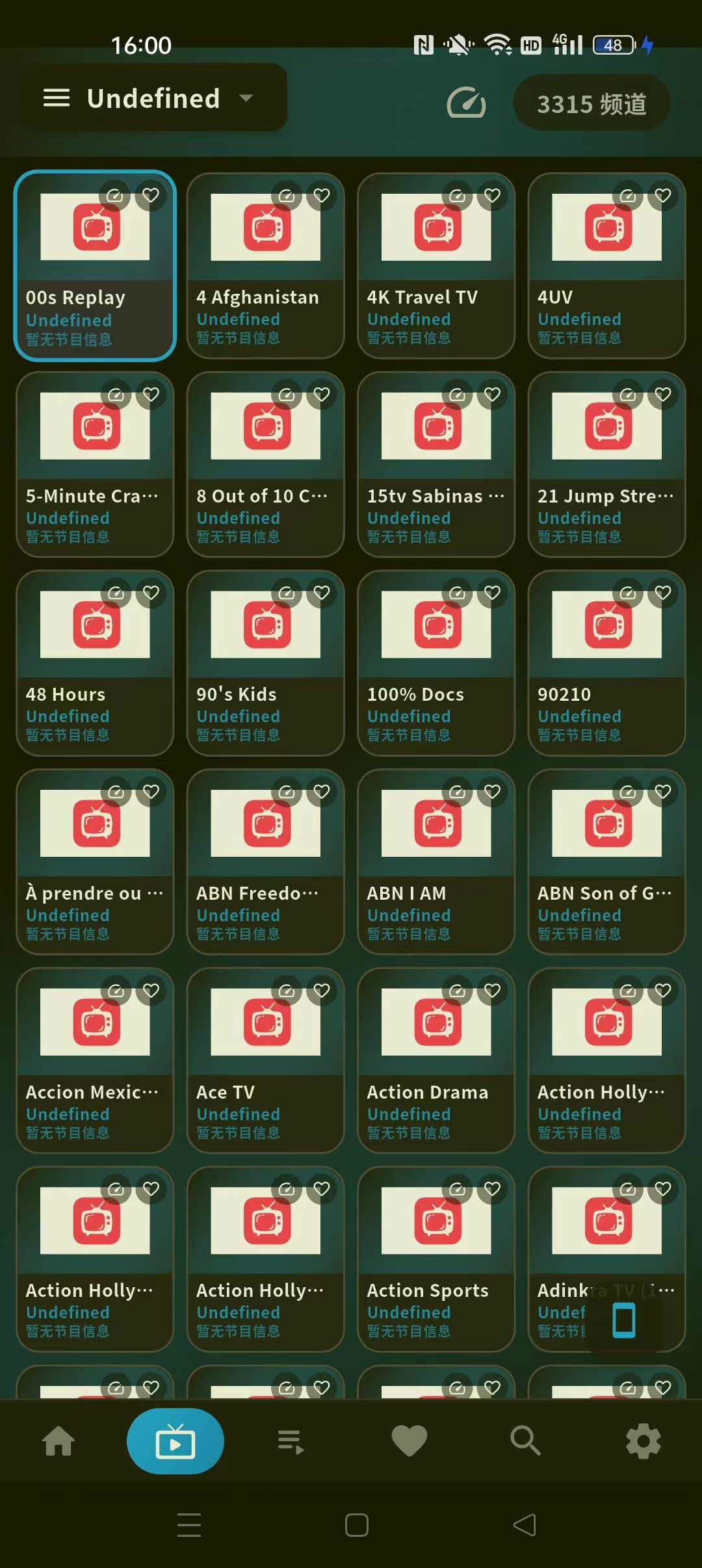
LotusIPTV1.5.23最强电视直播,上万频道,赠直播源!

发表于

【软件名称】:LotusIPTV

【软件版本】:1.5.23

【软件大小】:79.6mb

【适用平台】:安卓

【软件介绍】:
交互式网络电视,是一种
利用宽带网,集互联网、多媒体、通讯等技术于一体,
向家庭用户提供包括数字电视在内的多种交互式服务的
崭新技术。它能够很好地适应当今网络飞速发展的趋
势,充分有效地利用网络资源。让您可以从/nternet服
务提供商处观看IPTV,或从网络上的任何其他来源观看
免费的直播电视频道。

【下载地址】:https://pan.quark.cn/s/6afa47310a74


拿走吱一声!
175201aocf6um991chawzy.jpg 175205scuqi2y74o7i0xt4.jpg

Featured Replies

没有可显示的帖子

创建帐户或登录来提出意见

Account

导航

搜索

搜索

Configure browser push notifications

Chrome (Android)
  1. Tap the lock icon next to the address bar.
  2. Tap Permissions → Notifications.
  3. Adjust your preference.
Chrome (Desktop)
  1. Click the padlock icon in the address bar.
  2. Select Site settings.
  3. Find Notifications and adjust your preference.