发表于 8月18日8月18日 迅雷17去广告绿色精简版 Thunder 17下载 去更新去广告组件 下载地址:我用夸克网盘给你分享了「迅雷精简版」,点击链接或复制整段内容,打开「夸克手机APP」即可获取。/~700a3aGxoi~:/链接:https://pan.quark.cn/s/14f88d54842a迅雷17身上,可以清晰地看到这款陪伴了互联网用户二十余年的老牌软件正在积极求变。它不再满足于做一个单纯的“下载工具”,而是试图进化为集云存储、在线播放、资源管理于一体的综合型平台。更清爽的界面、更干净的安装、更强大的云盘与播放能力版本特点★ 极限精简:剔除自动更新等20+非核心组件,安装包仅104MB(较官方178MB左右↓43%),安装后占用392MB(较官方680MB左右↓47%)。★ 极致清爽:主界面/播放页基本无广告,纯净清爽。★ 功能优化:保留云盘/边下边播/极速下载三大核心功能,功能显著优化。★ 性能飞跃:采用极限压缩算法,部署速度提升300%;后台驻留进程减少70%,内存占用仅为官方的1/3,老设备也能流畅运行。★ 绝佳体验:本精简版完全绿色无捆绑,著作权归属迅雷官方,仅供学习交流,建议下载后24小时内删除,长期使用请支持官方正版,若有迅雷会员,可获得更佳加速下载体验。使用方法此绿色精简版系自解压程序,解压前请先关闭杀毒软件(卡巴/360/火绒等可能会误报 “!)绿化.cmd” 脚本),双击自解压程序或使用WinRAR/7-Zip手动解压至任意目录,在弹出的“chrome Extension(required)”窗口 点击“Install”-“Close”安装迅雷chrome核心浏览器扩展必需支持组件, 点击桌面快捷方式“迅雷”图标或直接点击Thunder\Program\Thunder.exe 即可运行程序。 若要开启chrome核心浏览器迅雷下载支持,请自行安装迅雷chrome核心浏览器扩展 \Thunder\BHO\xl_ext_chrome.crx 。
迅雷17去广告绿色精简版 Thunder 17下载 去更新去广告组件
下载地址:
我用夸克网盘给你分享了「迅雷精简版」,点击链接或复制整段内容,打开「夸克手机APP」即可获取。
/~700a3aGxoi~:/
链接:https://pan.quark.cn/s/14f88d54842a
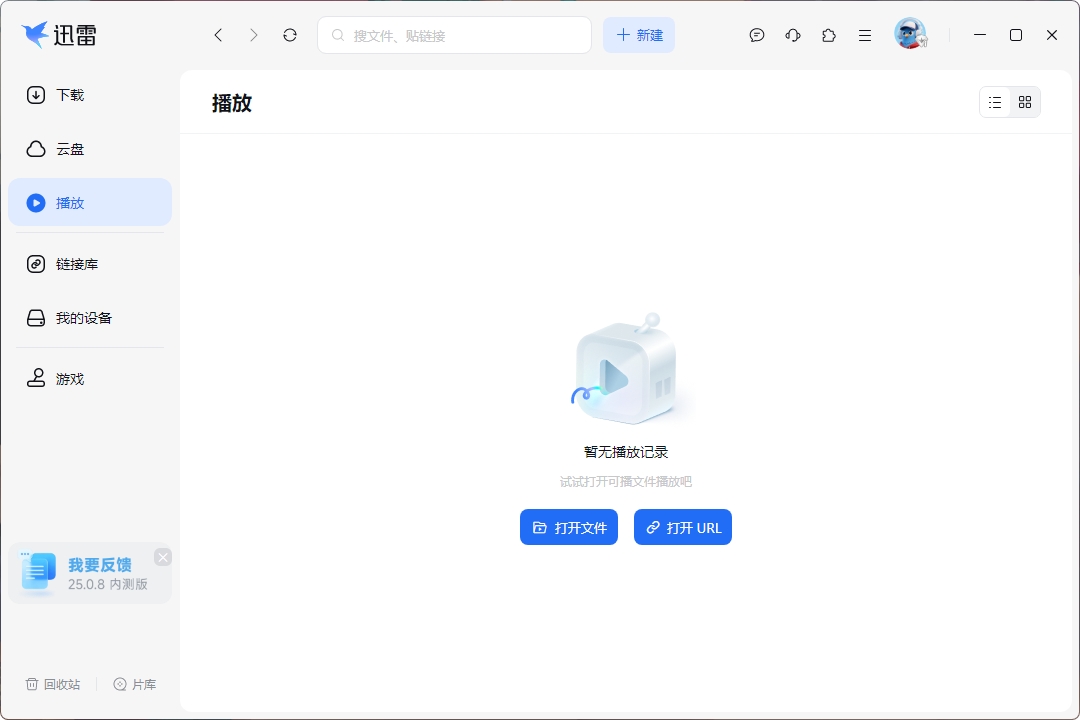
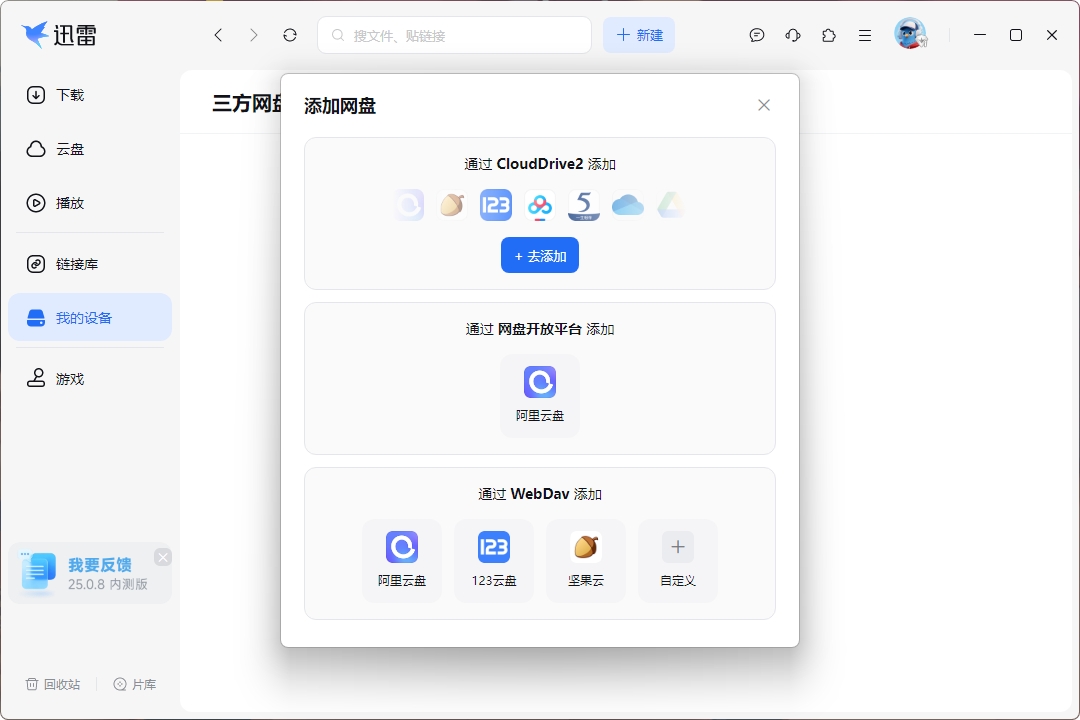
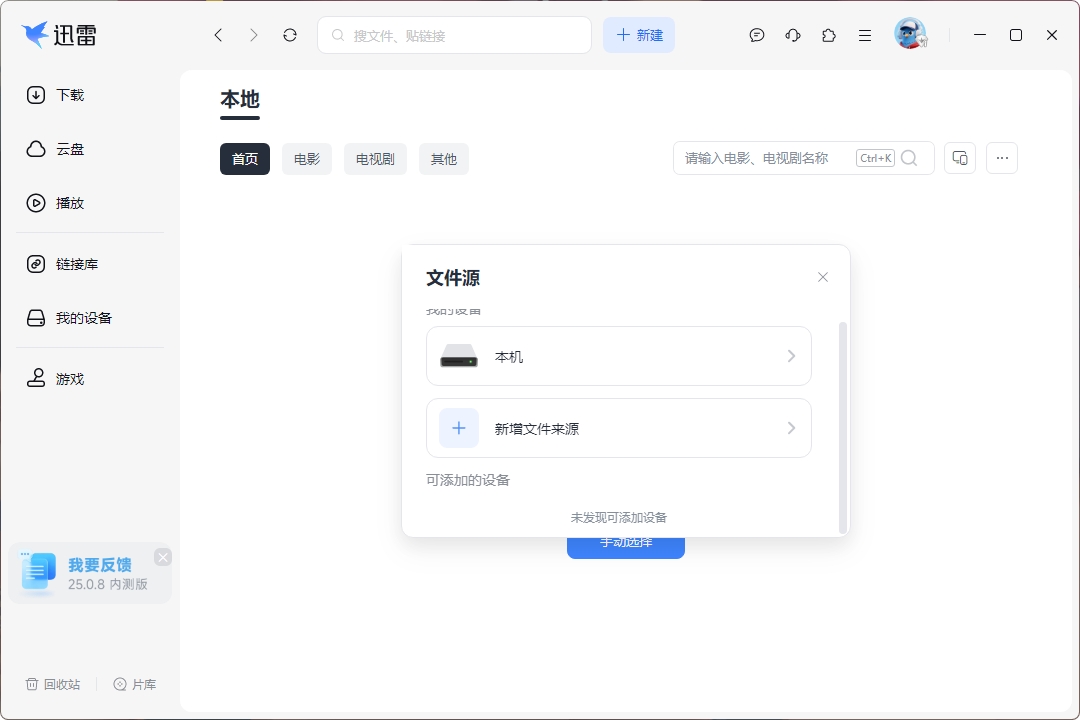
迅雷17身上,可以清晰地看到这款陪伴了互联网用户二十余年的老牌软件正在积极求变。它不再满足于做一个单纯的“下载工具”,而是试图进化为集云存储、在线播放、资源管理于一体的综合型平台。更清爽的界面、更干净的安装、更强大的云盘与播放能力
版本特点
★ 极限精简:剔除自动更新等20+非核心组件,安装包仅104MB(较官方178MB左右↓43%),安装后占用392MB(较官方680MB左右↓47%)。
★ 极致清爽:主界面/播放页基本无广告,纯净清爽。
★ 功能优化:保留云盘/边下边播/极速下载三大核心功能,功能显著优化。
★ 性能飞跃:采用极限压缩算法,部署速度提升300%;后台驻留进程减少70%,内存占用仅为官方的1/3,老设备也能流畅运行。
★ 绝佳体验:本精简版完全绿色无捆绑,著作权归属迅雷官方,仅供学习交流,建议下载后24小时内删除,长期使用请支持官方正版,若有迅雷会员,可获得更佳加速下载体验。
使用方法
此绿色精简版系自解压程序,解压前请先关闭杀毒软件(卡巴/360/火绒等可能会误报 “!)绿化.cmd” 脚本),双击自解压程序或使用WinRAR/7-Zip手动解压至任意目录,在弹出的“chrome Extension(required)”窗口 点击“Install”-“Close”安装迅雷chrome核心浏览器扩展必需支持组件, 点击桌面快捷方式“迅雷”图标或直接点击Thunder\Program\Thunder.exe 即可运行程序。 若要开启chrome核心浏览器迅雷下载支持,请自行安装迅雷chrome核心浏览器扩展 \Thunder\BHO\xl_ext_chrome.crx 。