跳转到内容
View in the app

A better way to browse. Learn more.

彼岸论坛

A full-screen app on your home screen with push notifications, badges and more.

To install this app on iOS and iPadOS
  1. Tap the Share icon in Safari
  2. Scroll the menu and tap Add to Home Screen.
  3. Tap Add in the top-right corner.
To install this app on Android
  1. Tap the 3-dot menu (⋮) in the top-right corner of the browser.
  2. Tap Add to Home screen or Install app.
  3. Confirm by tapping Install.
欢迎抵达彼岸 彼岸花开 此处谁在 -彼岸论坛

芒果telegram客户端v3.8版本+跳过付费验证

发表于

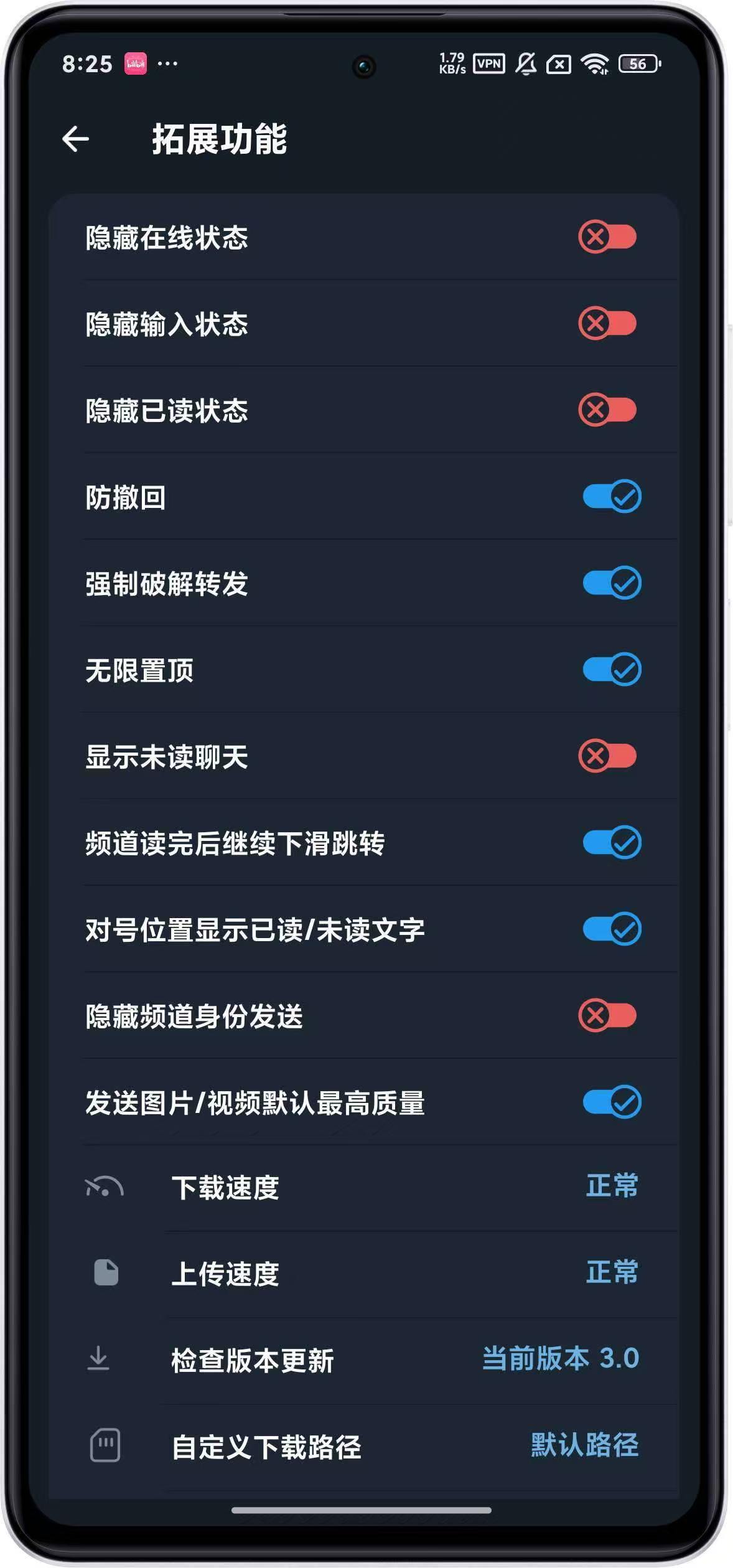
防撤回,强制转发内容,无限置顶,不限制下载速度和上传速度

1.代理自己加的不再隐藏

2.修复部分设备头像无法正常显示的bug

3.强制置顶频道和搜索频道支持删除

4.可调节界面dp

5.自动点赞可选指定群猪用户

6.内置的违禁词支持批量多选删除加一个不再云更新的按钮

7.强行多图转发可以保留原多图格式而不是分开转发:

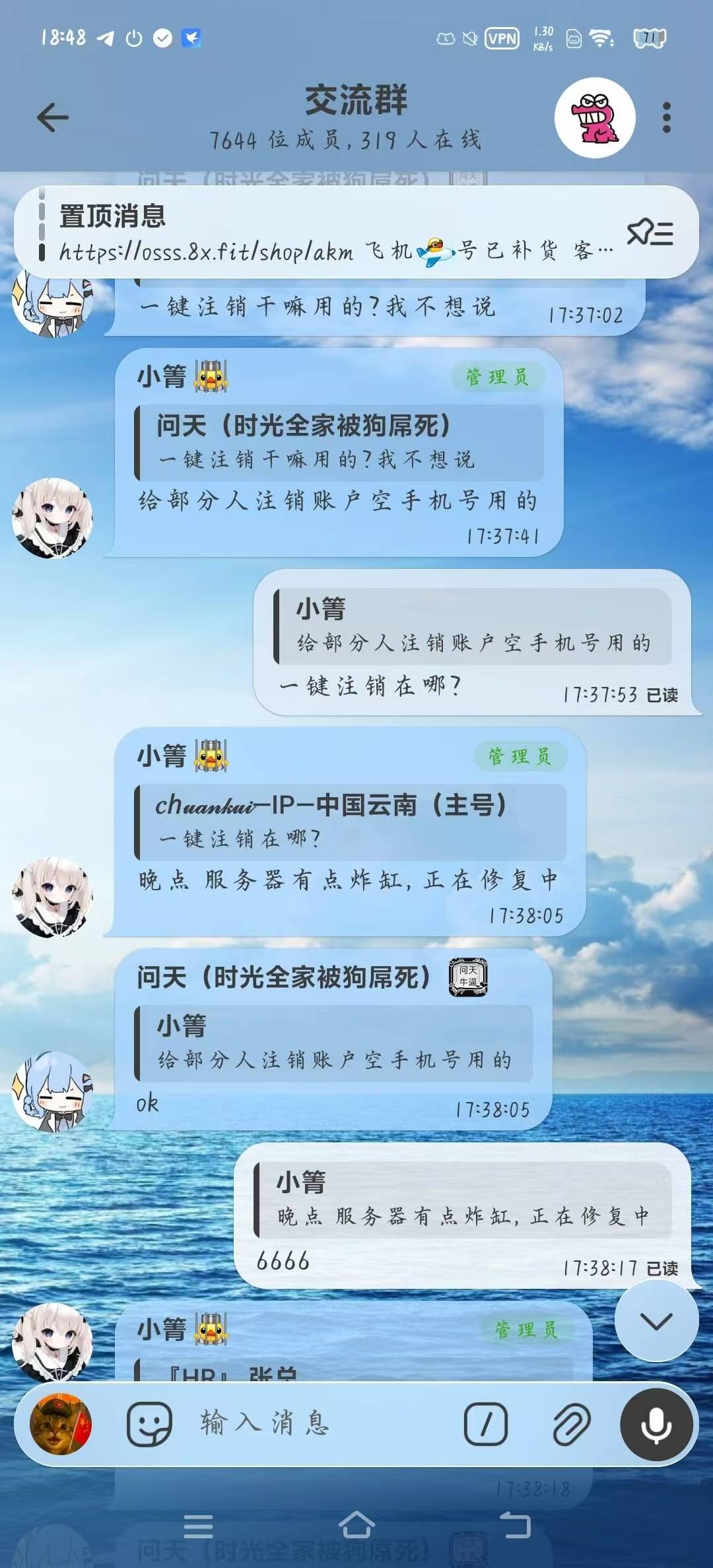
8.设置增加一键注销账户

9.修复一下聊天界面已读进度异常
拿走吱一声!

下载链接:https://pan.quark.cn/s/4a239e4800e3

解压码:1234

拿走吱一声!
194501gzsn3pvnstvtmz56.jpg 194500wvt9tc765e7ettwv.jpg 194500me1f4er8el1leb8o.jpg

Featured Replies

没有可显示的帖子

创建帐户或登录来提出意见

Account

导航

搜索

搜索

Configure browser push notifications

Chrome (Android)
  1. Tap the lock icon next to the address bar.
  2. Tap Permissions → Notifications.
  3. Adjust your preference.
Chrome (Desktop)
  1. Click the padlock icon in the address bar.
  2. Select Site settings.
  3. Find Notifications and adjust your preference.