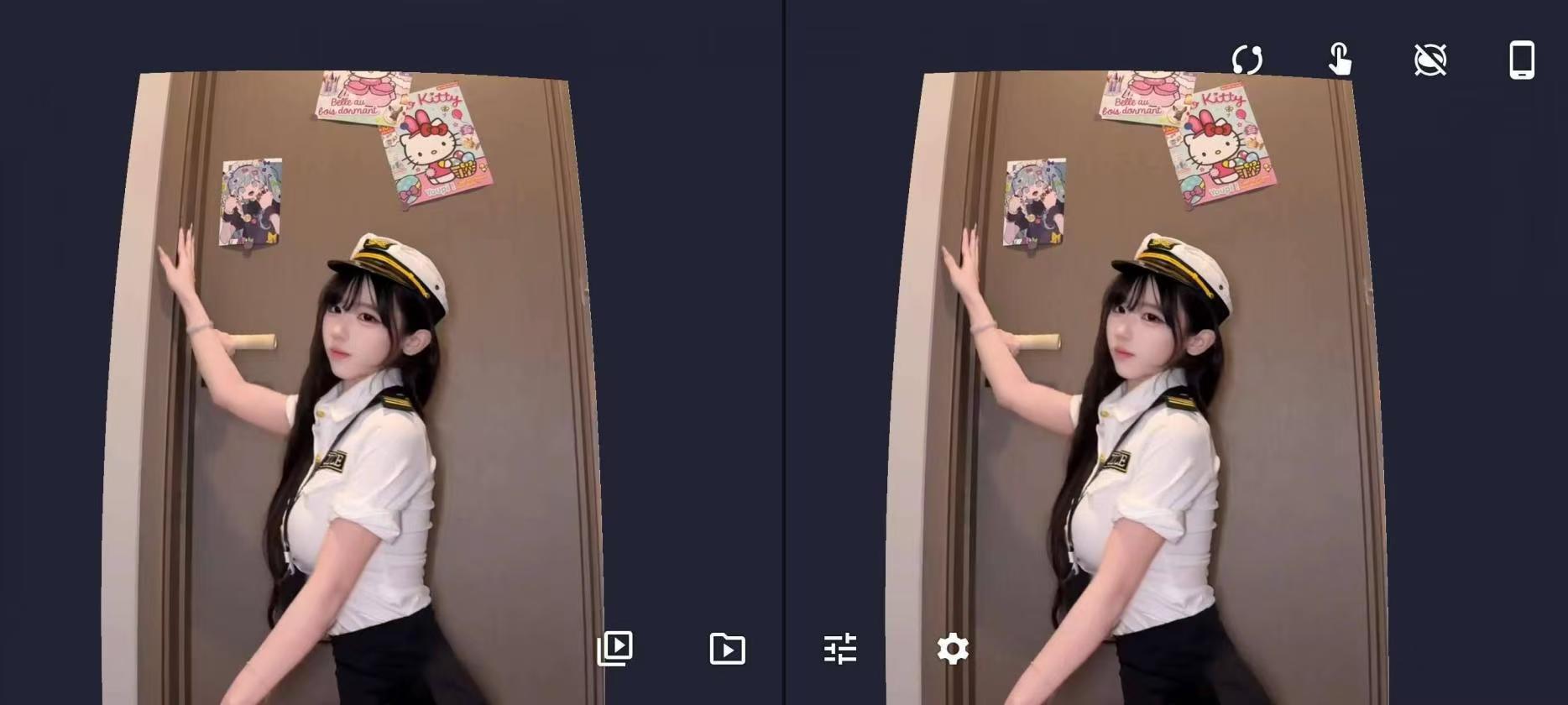
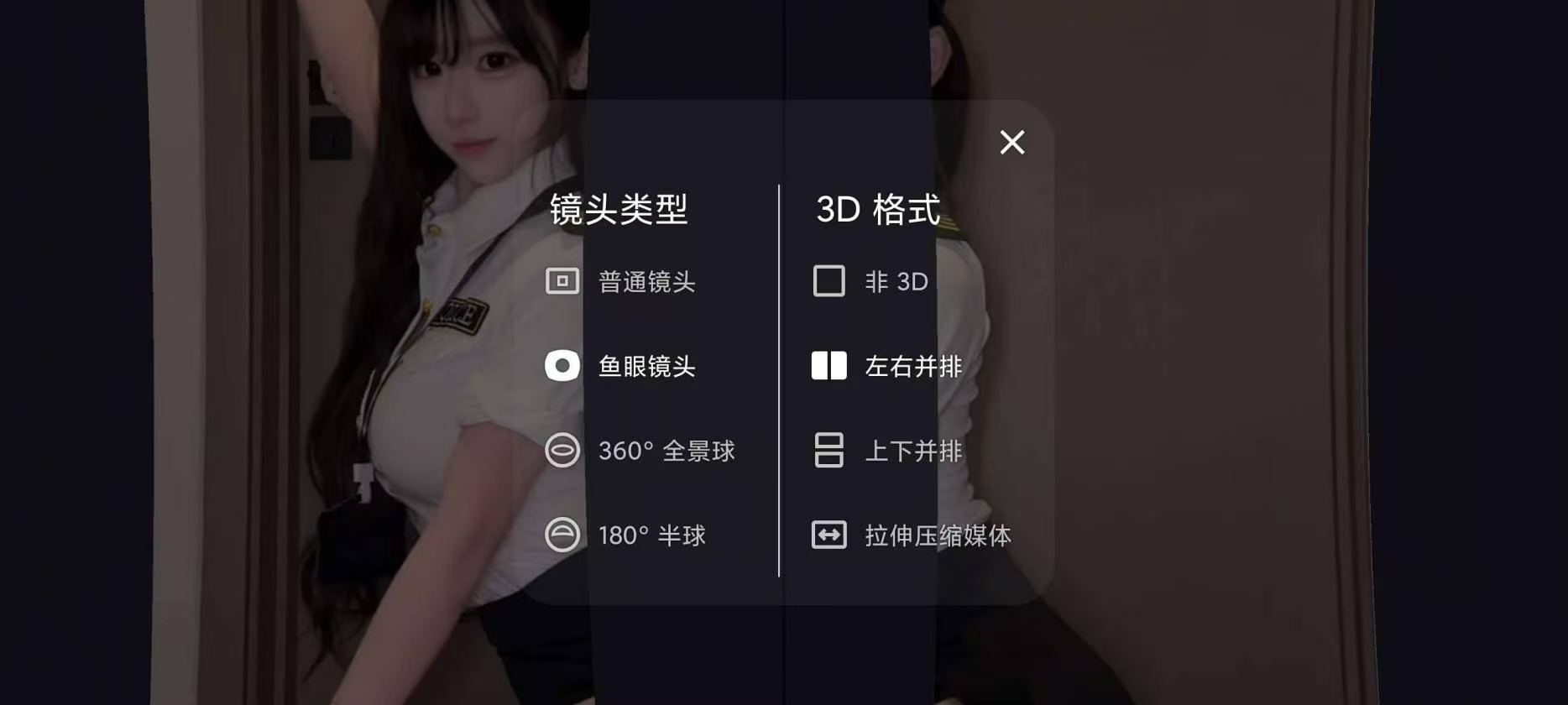
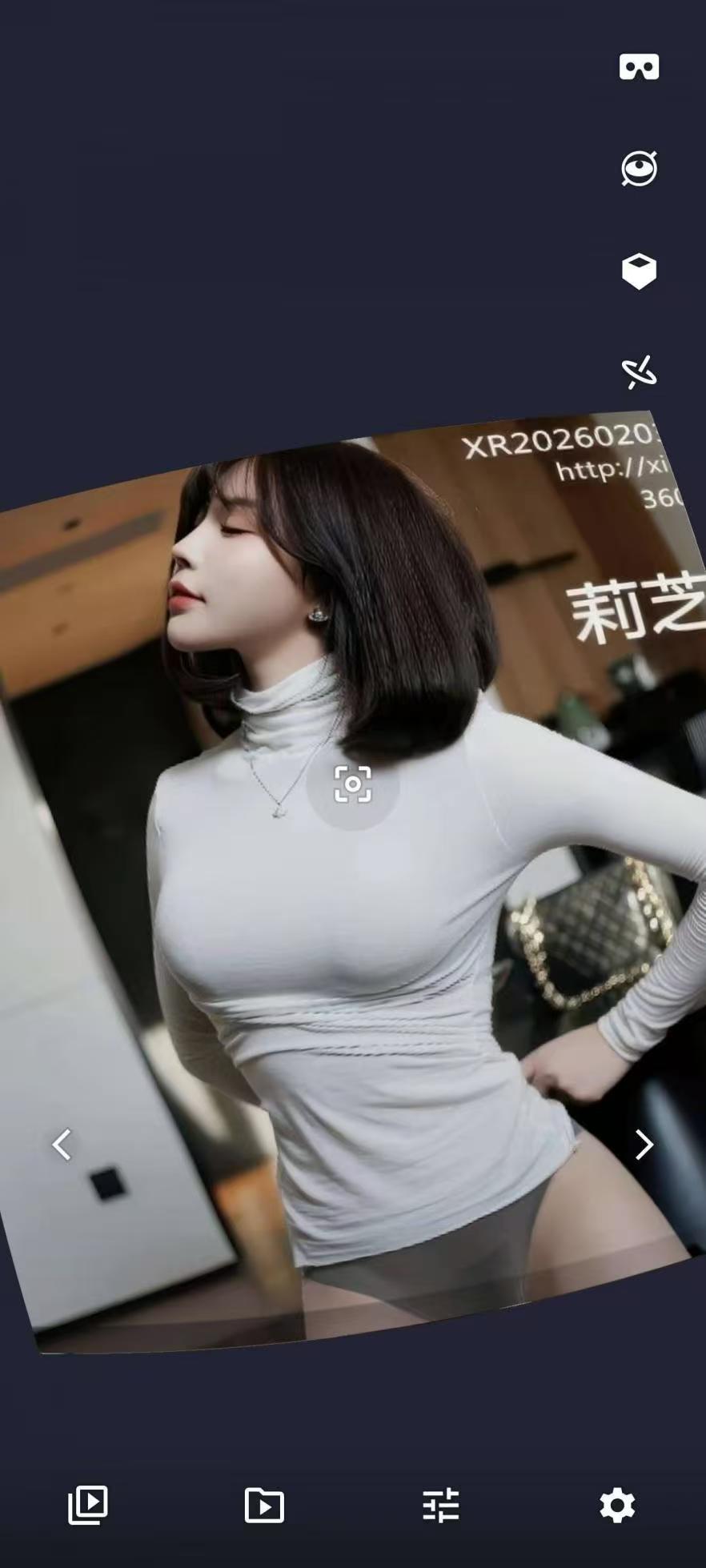
发表于 11小时前11小时 支持360%/180°全景视频、3D立体左右/上下格式、兼容手机VR眼镜、流畅触控与双指缩放、运动传感器旋转画面【应用名称】VR媒体播放器应用版本】【适用平台]安卓[使用说明】关注2.6.2[应用大小】:5.75M【软件介绍】VR媒体播放器是一款简单易用的智能手机应中存储的照片和视频以沉浸式VR体验呈现。·广泛格式支持:360、180°、标准镜头和鱼眼镜头照片与视频·3D立体支持:左右格式、上下格式及压缩格式媒本·兼容手机VR眼镜:放入设备即可体验沉浸式VR·双视图模式:球面屏幕与透视屏幕自由切换流畅操控:触控操作、双指缩放、运动传感器旋转下载链接:https://pan.quark.cn/s/6808f8ccf524拿走吱一声!
支持360%/180°全景视频、3D立体左右/上下格式、兼容手机VR眼镜、流畅触控与双指缩放、运动传感器旋转画面【应用名称】VR媒体播放器应用版本】【适用平台]安卓[使用说明】
关注
2.6.2[应用大小】:5.75M
【软件介绍】VR媒体播放器是一款简单易用的智能手机应中存储的照片和视频以沉浸式VR体验呈现。·广泛格式支持:360、180°、标准镜头和鱼
眼镜
头照片与视频
·3D立体支持:左右格式、上下格式及压缩格
式媒
本
·兼容手机VR眼镜:放入设备即可体验沉浸式
VR
·双视图模式:球面屏幕与透视屏幕自由切换流畅操控:触控操作、双指缩放、运动传感器旋转
下载链接:https://pan.quark.cn/s/6808f8ccf524
拿走吱一声!