发表于 9月30日9月30日 【软件名称】Hobby 【软件版本】2.7.3【软件大小】301.81M【适用平台】安卓【软件简介】Hobby作为一款虚拟AI角色互动应用,能为用户带来跨次元奇幻之旅。它打破次元壁,使用户可与热门IP角色实时畅聊,还能自由抉择剧情走向,让用户成为故事主宰者,享受独特互动体验。主要功能丰富的角色扮演:拥有海量角色供选择,涵盖动漫英雄、影视巨星、游戏主角等。每个角色都有精心设计的独特性格和背景故事,用户选择角色后仿佛置身其所处世界,还能与其他用户共同演绎精彩故事,满足表演欲望,激发创作灵感。沉浸式的对话系统:该系统是软件亮点之一。用户借助它能深度融入剧集世界,与剧中人物真实交流互动。每次对话都充满未知,用户可自由表达想法,影响剧情走向,解锁隐藏分支剧情,真正成为故事一部分,获得参与感和成就感。下载链接:https://pan.quark.cn/s/122507f09267拿走吱一声!
【软件名称】Hobby

【软件版本】2.7.3
【软件大小】301.81M
【适用平台】安卓
【软件简介】
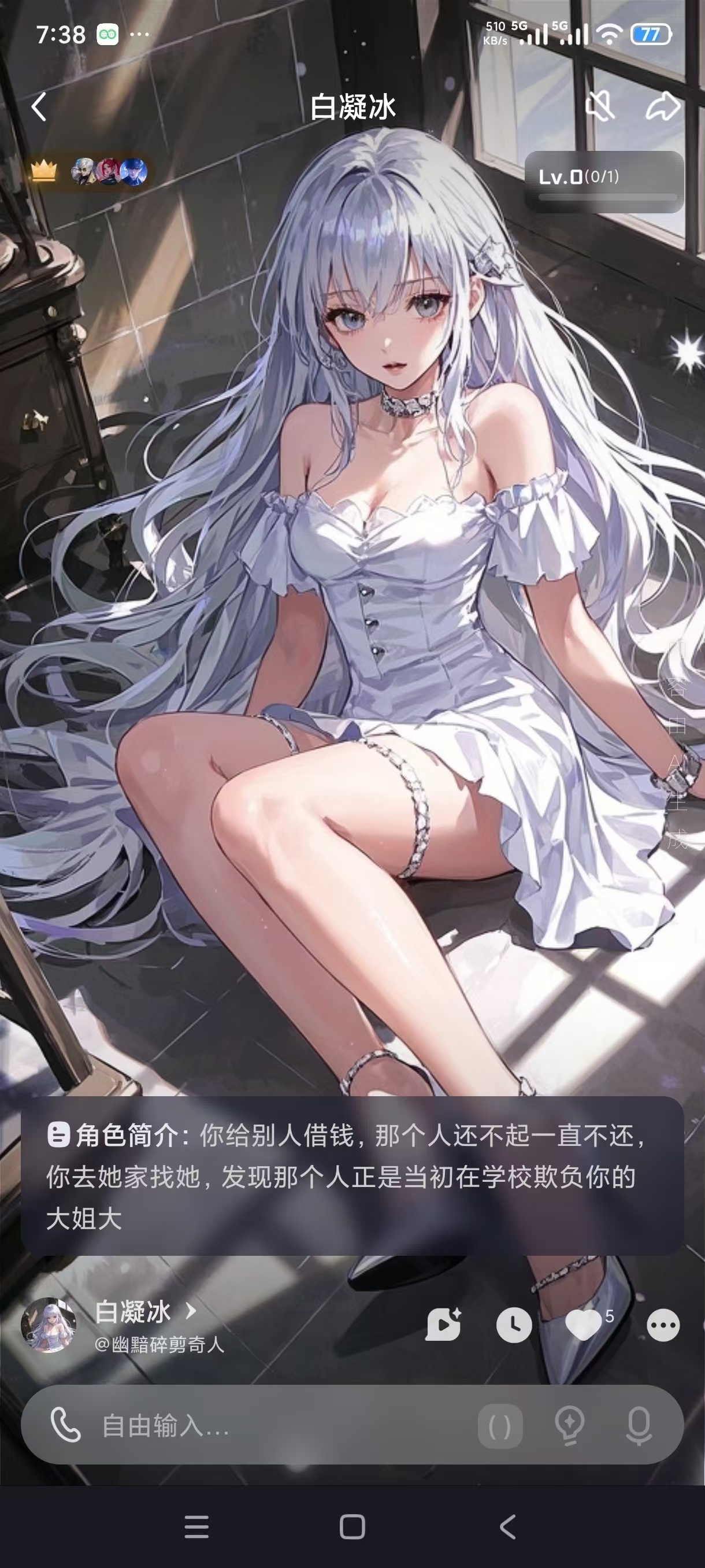
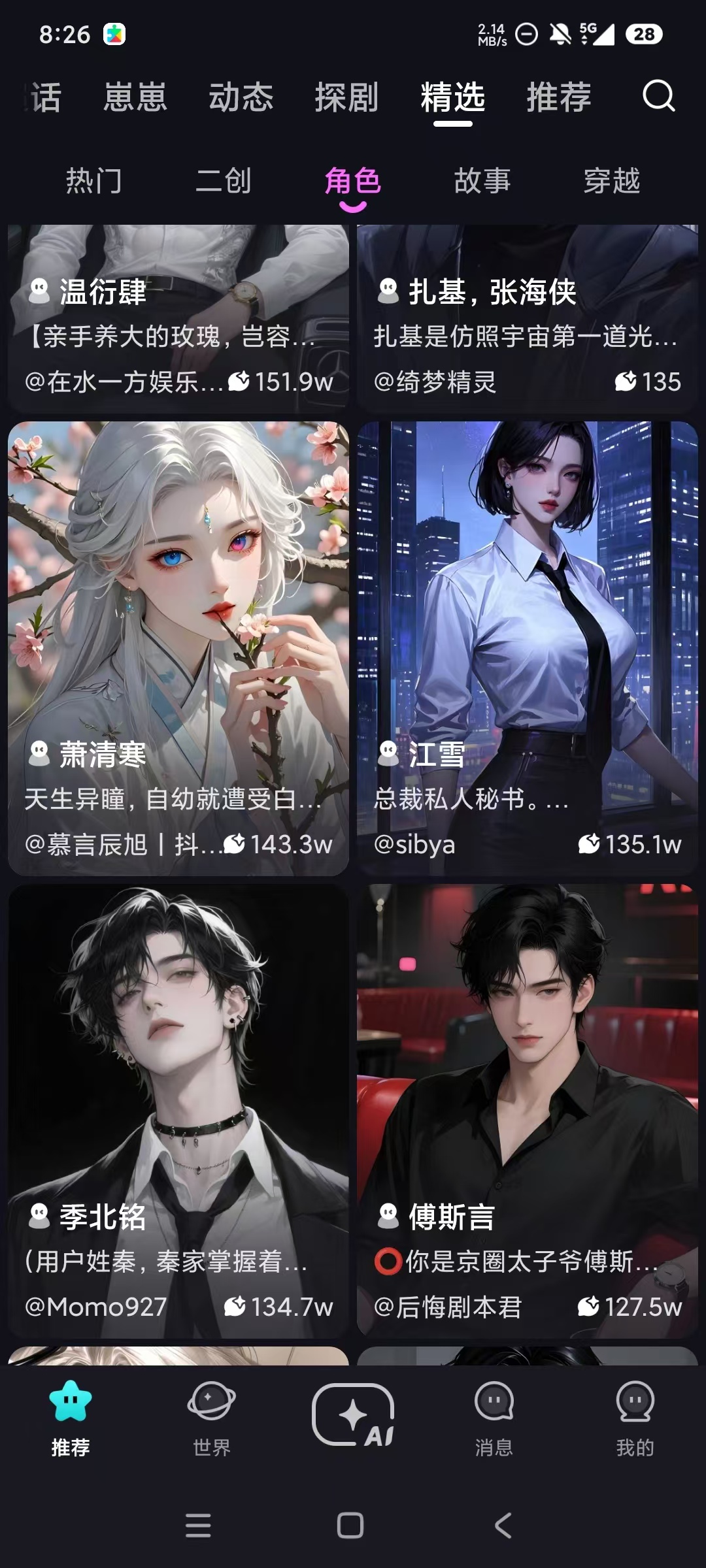
Hobby作为一款虚拟AI角色互动应用,能为用户带来跨次元奇幻之旅。它打破次元壁,使用户可与热门IP角色实时畅聊,还能自由抉择剧情走向,让用户成为故事主宰者,享受独特互动体验。
主要功能
丰富的角色扮演:拥有海量角色供选择,涵盖动漫英雄、影视巨星、游戏主角等。每个角色都有精心设计的独特性格和背景故事,用户选择角色后仿佛置身其所处世界,还能与其他用户共同演绎精彩故事,满足表演欲望,激发创作灵感。
沉浸式的对话系统:该系统是软件亮点之一。用户借助它能深度融入剧集世界,与剧中人物真实交流互动。每次对话都充满未知,用户可自由表达想法,影响剧情走向,解锁隐藏分支剧情,真正成为故事一部分,获得参与感和成就感。
下载链接:https://pan.quark.cn/s/122507f09267
拿走吱一声!