跳转到内容
View in the app

A better way to browse. Learn more.

彼岸论坛

A full-screen app on your home screen with push notifications, badges and more.

To install this app on iOS and iPadOS
  1. Tap the Share icon in Safari
  2. Scroll the menu and tap Add to Home Screen.
  3. Tap Add in the top-right corner.
To install this app on Android
  1. Tap the 3-dot menu (⋮) in the top-right corner of the browser.
  2. Tap Add to Home screen or Install app.
  3. Confirm by tapping Install.
欢迎抵达彼岸 彼岸花开 此处谁在 -彼岸论坛

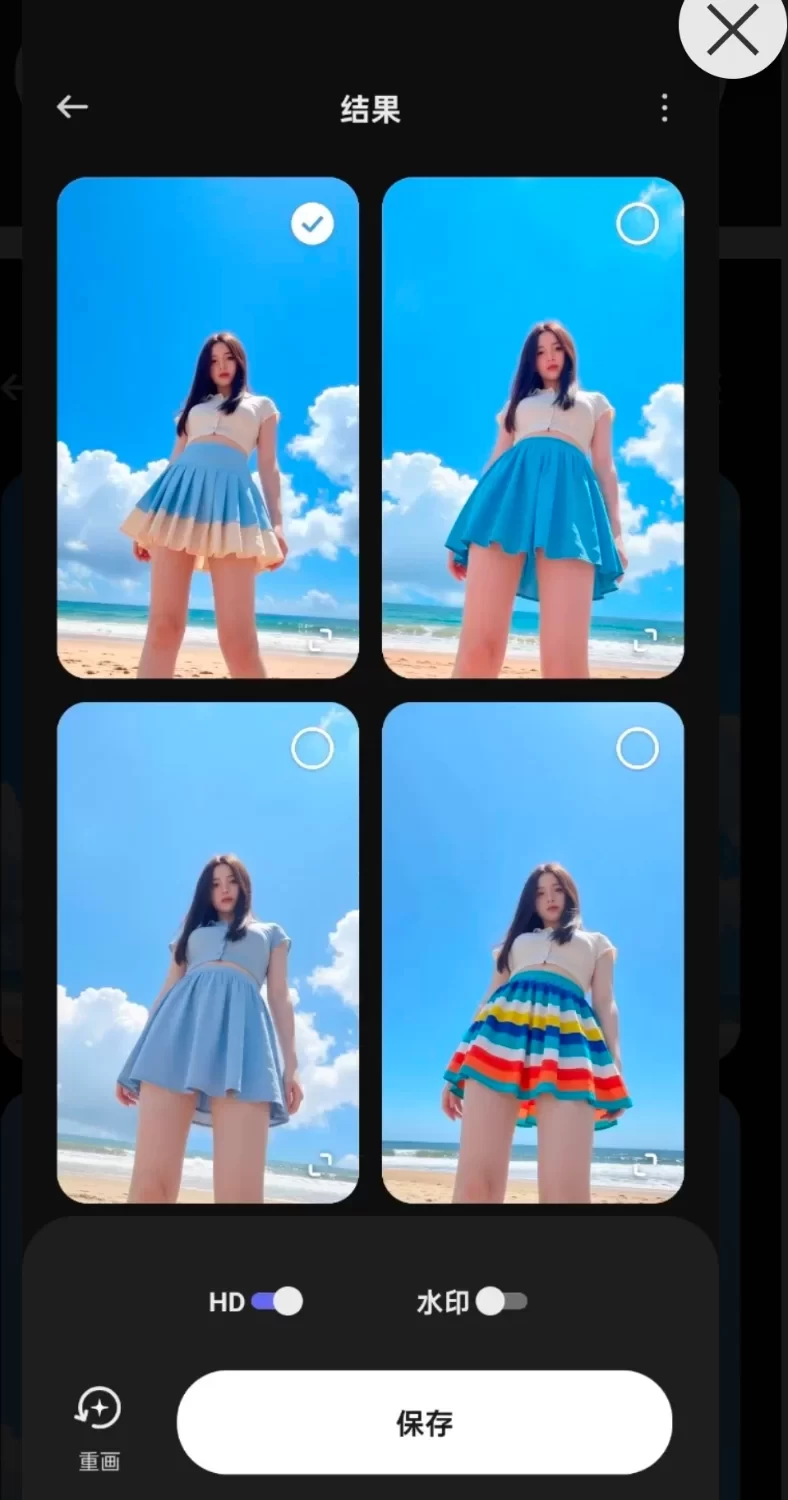
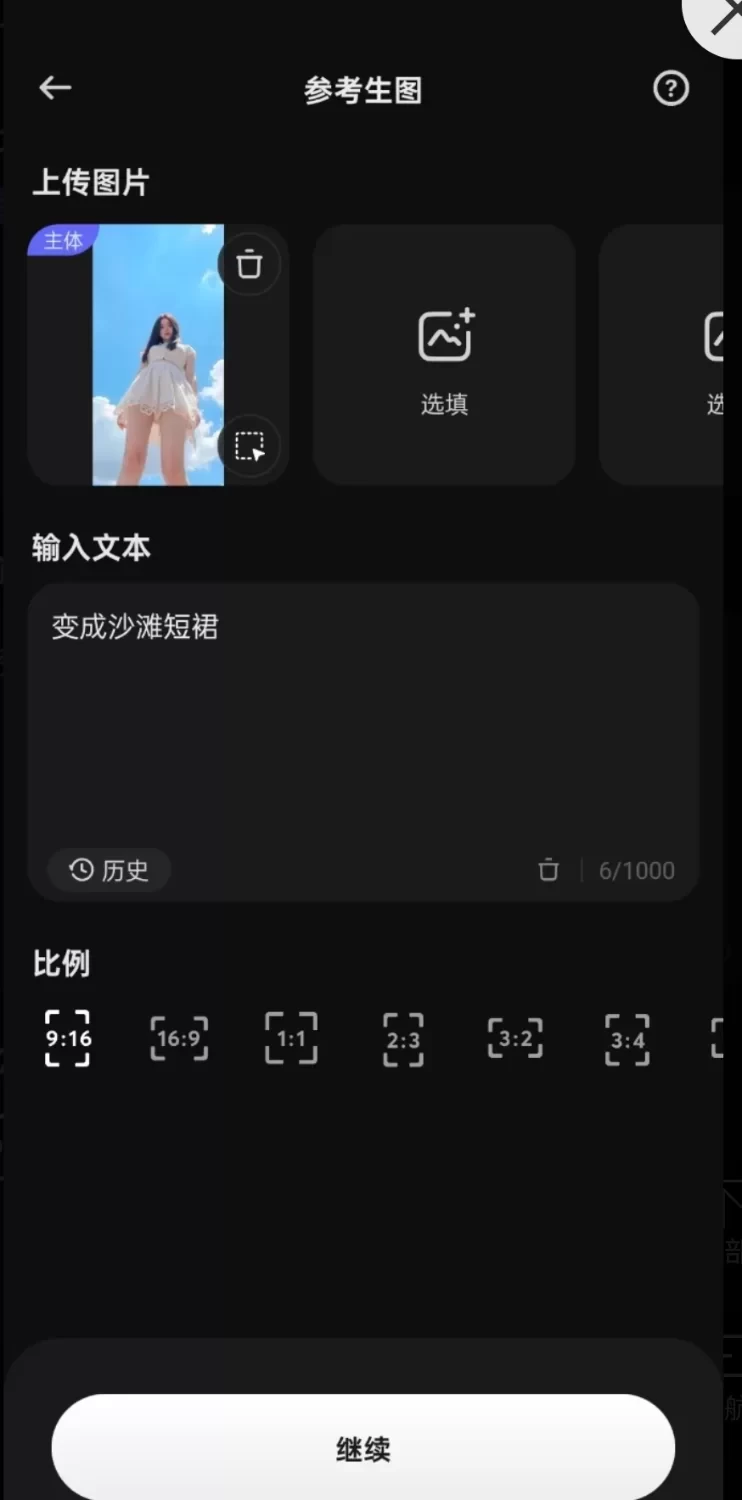
SelfyzAl AI无限制次数,可ai去衣换衣亲吻拥抱

发表于

SelfyzAI凭借其高质量图像扩展.创意功能支持以及良好的用户体验,在满足专业和个人用户多样化需求的同时,也为创意产业和社会数字娱乐生态带来了积极的影响。
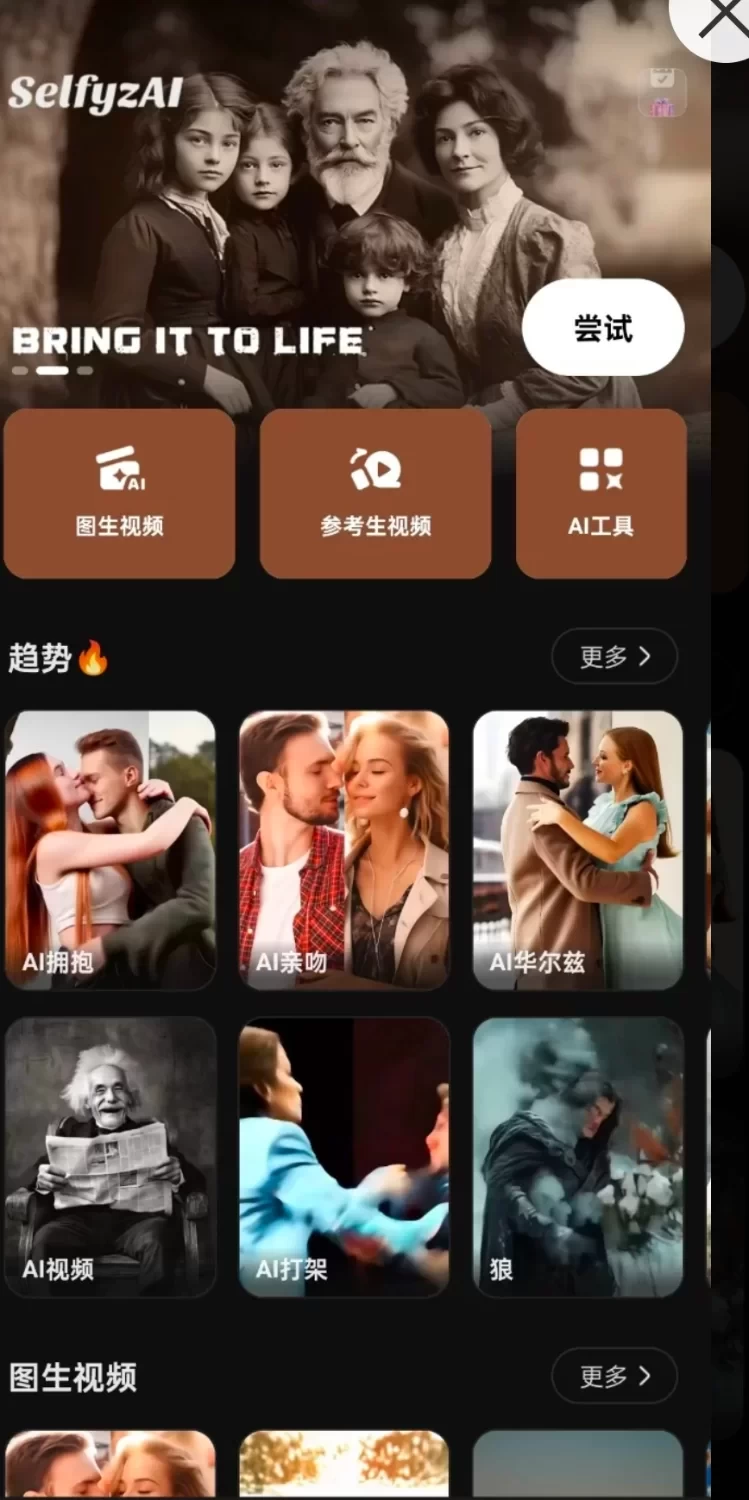
无论是从功能特性.技术实现还是市场价值的角度来看,这款软件都展现出了极高的实用价值和技术实力。

下载链接:https://pan.quark.cn/s/0c32082ffa4b

拿走吱一声!
184458a3u3nzn4ybu2l2oz.jpg 184458ruvvt8unf07ctow7.jpg 184458owgbugzat6paxhj0.jpg

Featured Replies

没有可显示的帖子

创建帐户或登录来提出意见

Account

导航

搜索

搜索

Configure browser push notifications

Chrome (Android)
  1. Tap the lock icon next to the address bar.
  2. Tap Permissions → Notifications.
  3. Adjust your preference.
Chrome (Desktop)
  1. Click the padlock icon in the address bar.
  2. Select Site settings.
  3. Find Notifications and adjust your preference.