发表于 10月3日10月3日 【应用名称】:超级直播【应用版本】:3.1.29【应用大小】:4.62M【适用平台】:Android TV / 电视盒子 / 智能电视【使用说明】:【软件介绍】超级直播是一款自动适配屏幕的电视直播软件,完整覆盖全部央视频道、各大省级卫视频道以及丰富多样的地方频道,部分版本还可观看港澳台等频道。无论是新闻直播、热播综艺,还是本地栏目都能轻松实现。软件配备了多条独立的备用播放源线路,当其中一条线路出现信号波动时自动切换,确保播放稳定流畅。采用视频硬解技术,换台速度快、画质清晰,达到720P以上水准。支持频道收藏功能,可将日常高频收看的节目添加到收藏栏实现一键直达。上下左右方向键即可完成选台、切换频道、调整设置等全部操作,上手门槛很低。后台长时间运行直播也不容易出现闪退,给家庭用户带来舒适省心、稳定可靠的大屏观看体验。【下载地址】 :https://pan.quark.cn/s/fb97547085d3拿走不吱声,都是小坤子!!!
【应用名称】:超级直播

【应用版本】:3.1.29
【应用大小】:4.62M
【适用平台】:Android TV / 电视盒子 / 智能电视
【使用说明】:
【软件介绍】
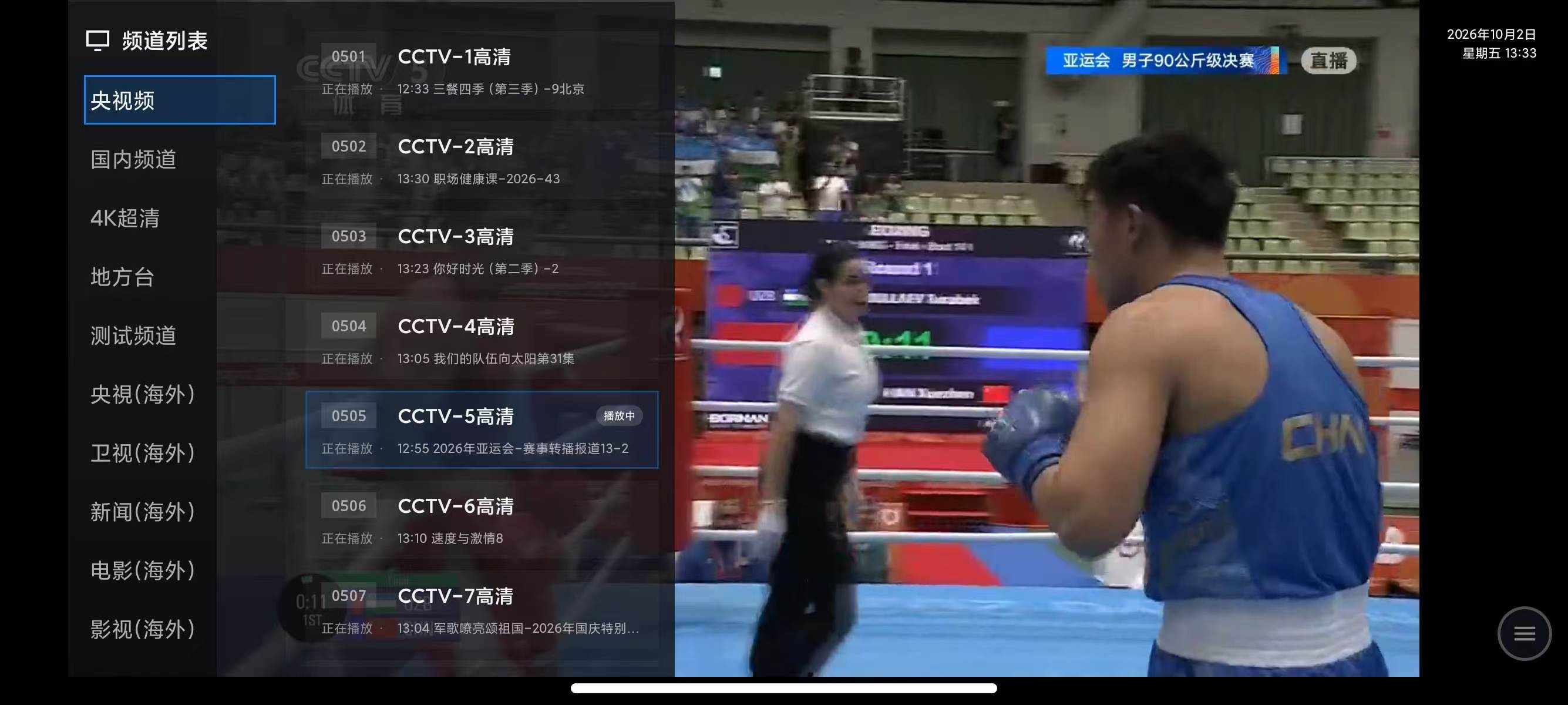
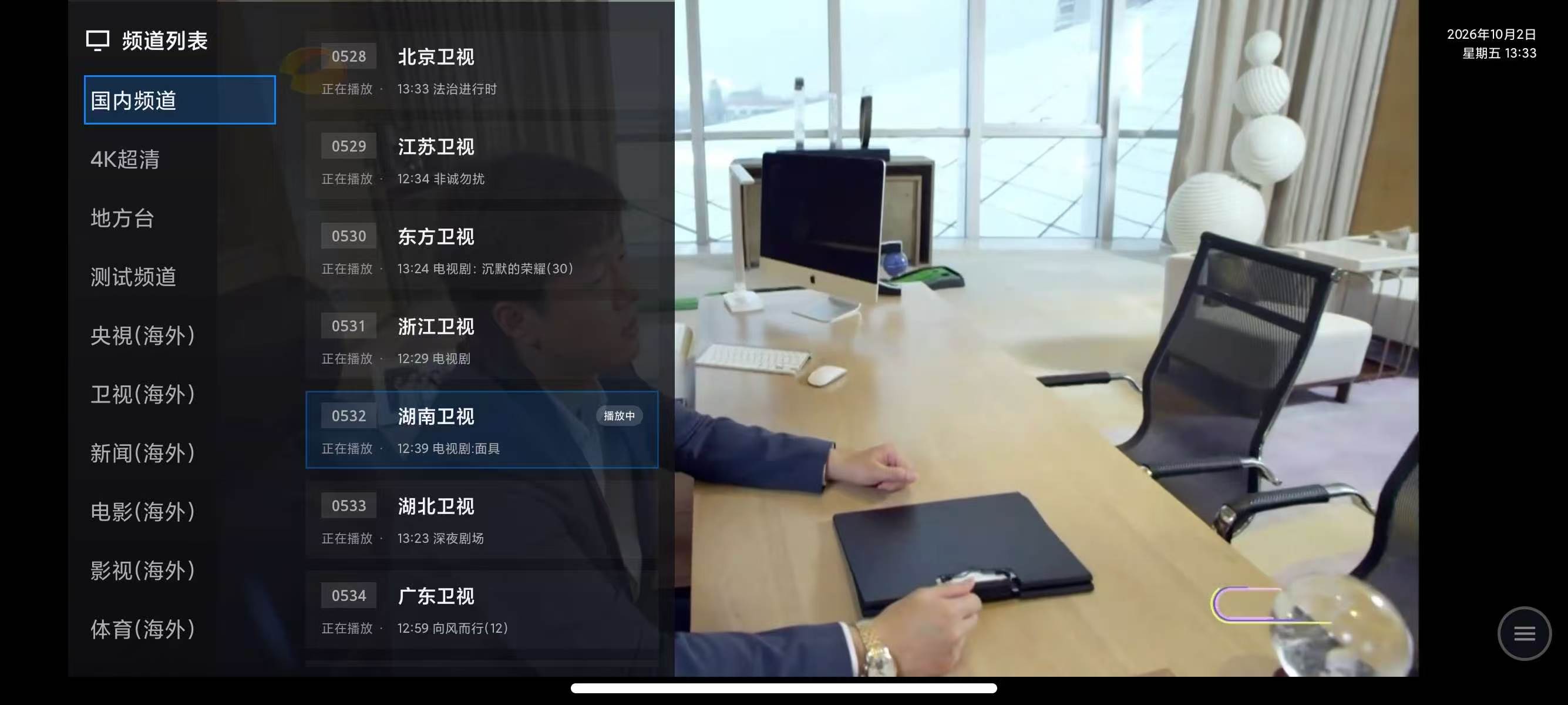
超级直播是一款自动适配屏幕的电视直播软件,完整覆盖全部央视频道、各大省级卫视频道以及丰富多样的地方频道,部分版本还可观看港澳台等频道。无论是新闻直播、热播综艺,还是本地栏目都能轻松实现。
软件配备了多条独立的备用播放源线路,当其中一条线路出现信号波动时自动切换,确保播放稳定流畅。采用视频硬解技术,换台速度快、画质清晰,达到720P以上水准。
支持频道收藏功能,可将日常高频收看的节目添加到收藏栏实现一键直达。上下左右方向键即可完成选台、切换频道、调整设置等全部操作,上手门槛很低。后台长时间运行直播也不容易出现闪退,给家庭用户带来舒适省心、稳定可靠的大屏观看体验。
【下载地址】 :https://pan.quark.cn/s/fb97547085d3
拿走不吱声,都是小坤子!!!