跳转到内容
View in the app

A better way to browse. Learn more.

彼岸论坛

A full-screen app on your home screen with push notifications, badges and more.

To install this app on iOS and iPadOS
  1. Tap the Share icon in Safari
  2. Scroll the menu and tap Add to Home Screen.
  3. Tap Add in the top-right corner.
To install this app on Android
  1. Tap the 3-dot menu (⋮) in the top-right corner of the browser.
  2. Tap Add to Home screen or Install app.
  3. Confirm by tapping Install.
欢迎抵达彼岸 彼岸花开 此处谁在 -彼岸论坛

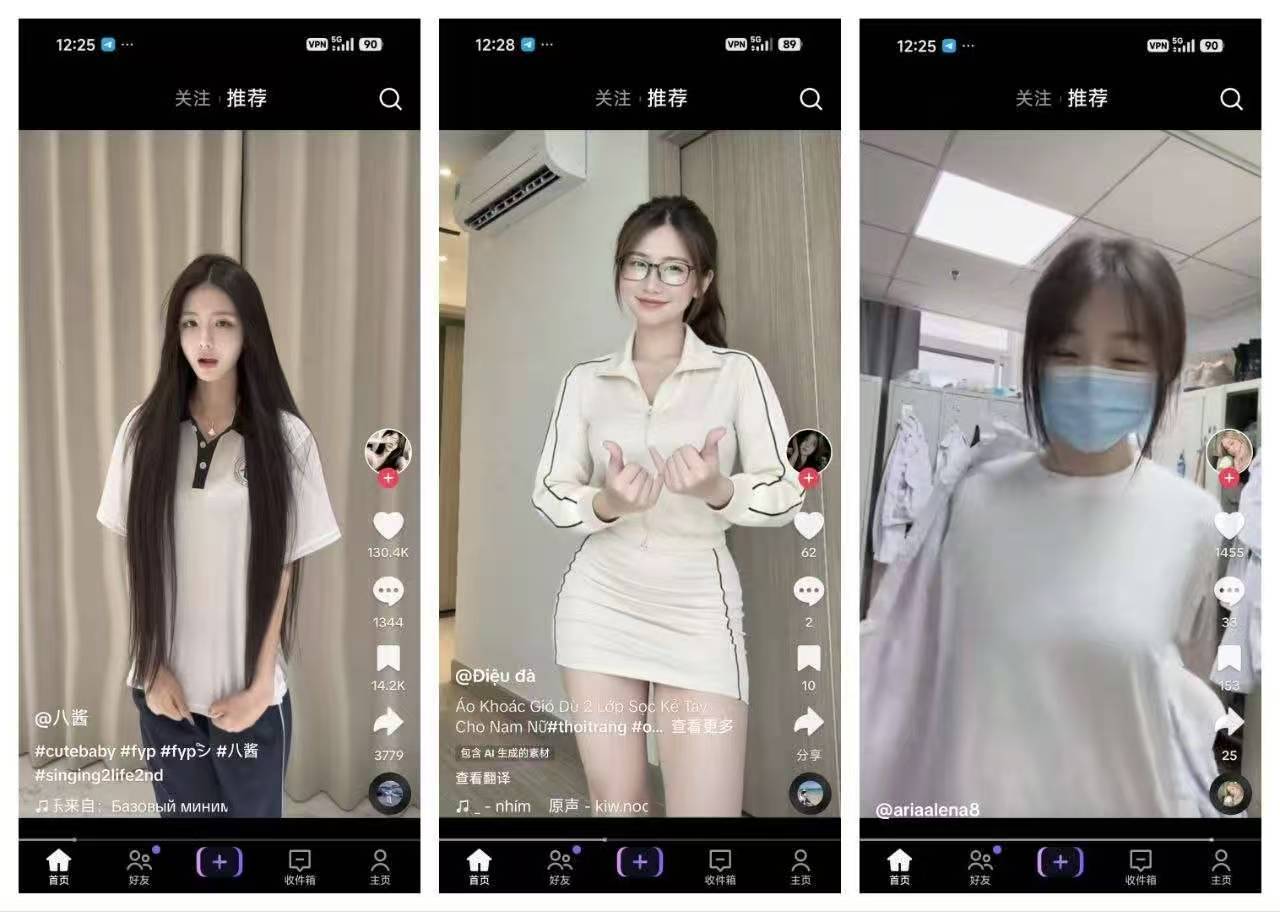
抖音TikTok_47.0.5_最新去水印解封锁版1

发表于

软件名称tiktok

软件大小380.51mb

软件版本47.0.5

适用版本安卓

软件介绍年轻化潮流短视频平台,剪辑流畅丝滑,氛围感直接拉满!随心创作舞蹈、剧情、才艺类作品,一键发布超便捷,还能结识同频有趣的伙伴,使用说明:安装TikTok,启动应用,即可观看短视频,如果无法登录账号(尝试次数过多),请通过“忘记密码”功能重置密码,如果在安装过程中出现错误,请务必删除旧版本的TikTok和相关插件.

下载链接:https://pan.quark.cn/s/1c0dfc0b7ea0

拿走吱一声!
124656rjj375n05bt5zxro.jpg

Featured Replies

没有可显示的帖子

创建帐户或登录来提出意见

Account

导航

搜索

搜索

Configure browser push notifications

Chrome (Android)
  1. Tap the lock icon next to the address bar.
  2. Tap Permissions → Notifications.
  3. Adjust your preference.
Chrome (Desktop)
  1. Click the padlock icon in the address bar.
  2. Select Site settings.
  3. Find Notifications and adjust your preference.