发表于 周二 04:073天前 GPT驱动多角色AI伴侣,生图、推理、搜索、文档处理全能助手,国内可用【应用名称】:OpenChat【应用版本】:1.4.0【应用大小】:28MB【适用平台】:Android 7.0+【使用说明】:【软件介绍】OpenChat是一款集多角色AI对话与实用工具箱于一体的智能助手应用。搭载GPT系列模型,内置AI女友/男友、占卜师、心理咨询师、语言翻译、家庭医生、健身教练、厨师等多种预设角色,支持中文连续对话。· 多角色对话:AI女友支持甜美可爱/高冷傲娇/风趣灵动等多种性格风格。· 图片生成与处理:文字生成图片、图片分析(识别内容/代码解析/文字提取/图片问答)、图片风格转换、图片设计。· DeepSeek-R1推理:与DeepSeek深度对话,进行复杂推理和深度分析。· 文档与视频处理:文档上传处理及总结、YouTube视频一键总结。· 网页搜索:即时查找在线信息。· 实用工具:邮件助手、室内设计、健康饮食分析、图片转代码、代码解析。 高级版解锁全部功能,无广告,不限使用次数。【下载地址】:https://pan.quark.cn/s/219d3fd28a95拿走吱一声!
GPT驱动多角色AI伴侣,生图、推理、搜索、文档处理全能助手,国内可用
【应用名称】:OpenChat
【应用版本】:1.4.0
【应用大小】:28MB
【适用平台】:Android 7.0+
【使用说明】:
【软件介绍】
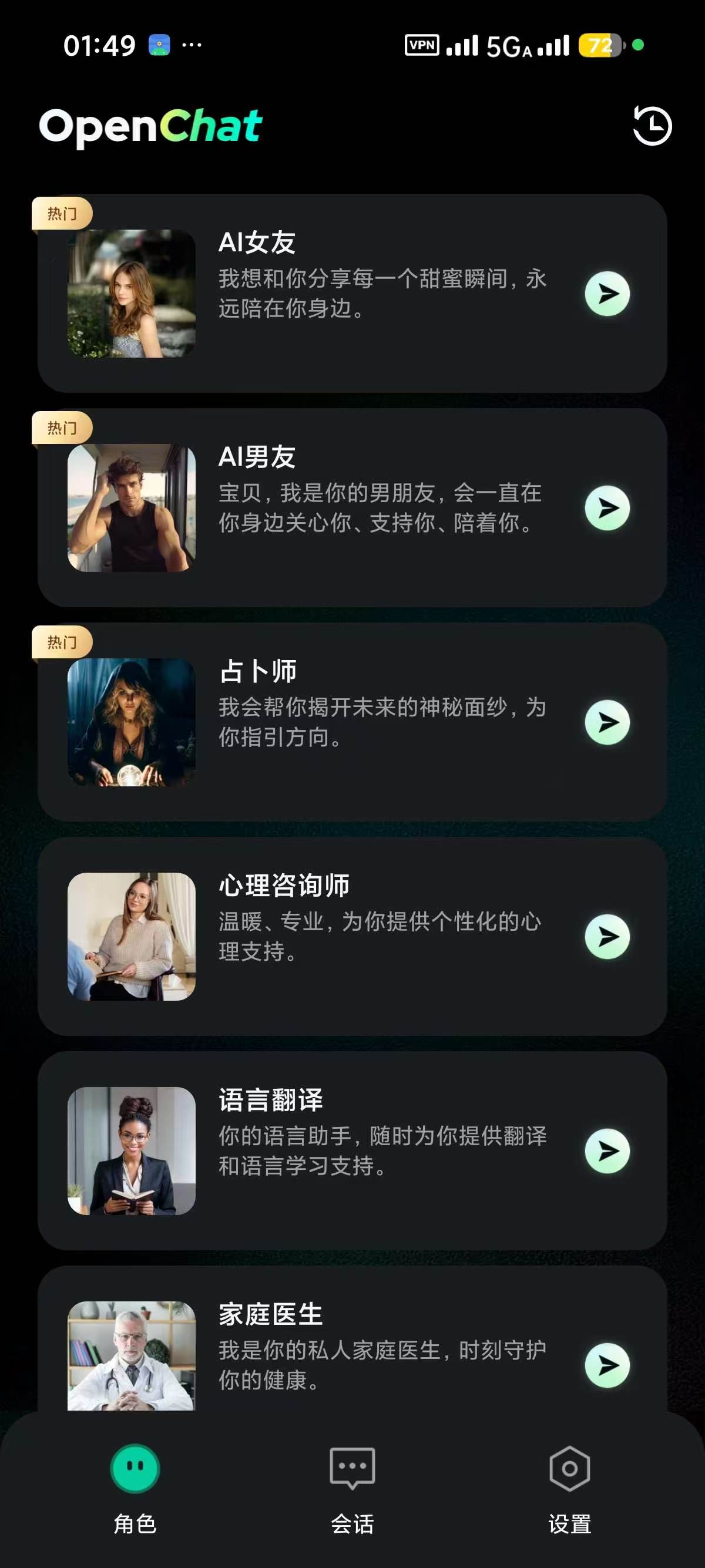
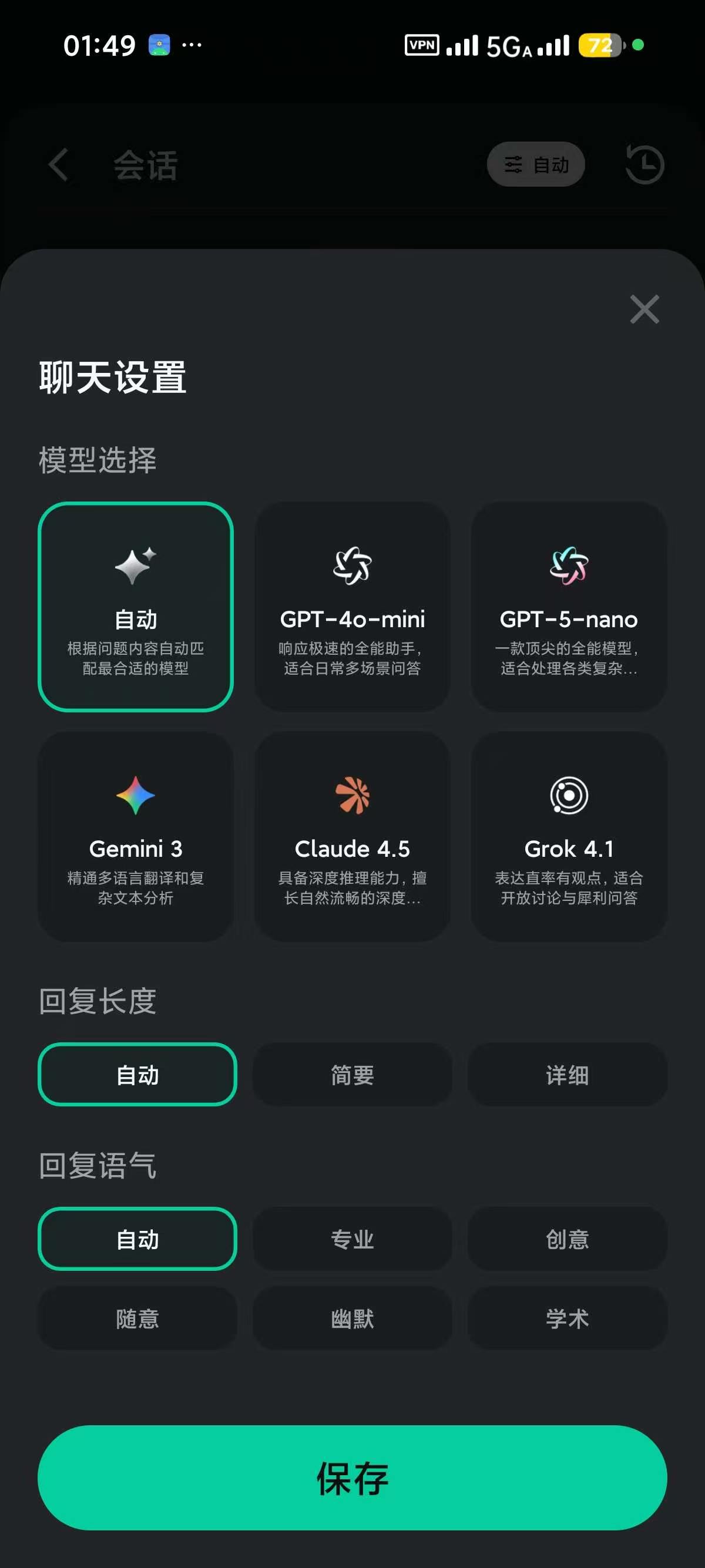
OpenChat是一款集多角色AI对话与实用工具箱于一体的智能助手应用。搭载GPT系列模型,内置AI女友/男友、占卜师、心理咨询师、语言翻译、家庭医生、健身教练、厨师等多种预设角色,支持中文连续对话。
· 多角色对话:AI女友支持甜美可爱/高冷傲娇/风趣灵动等多种性格风格。
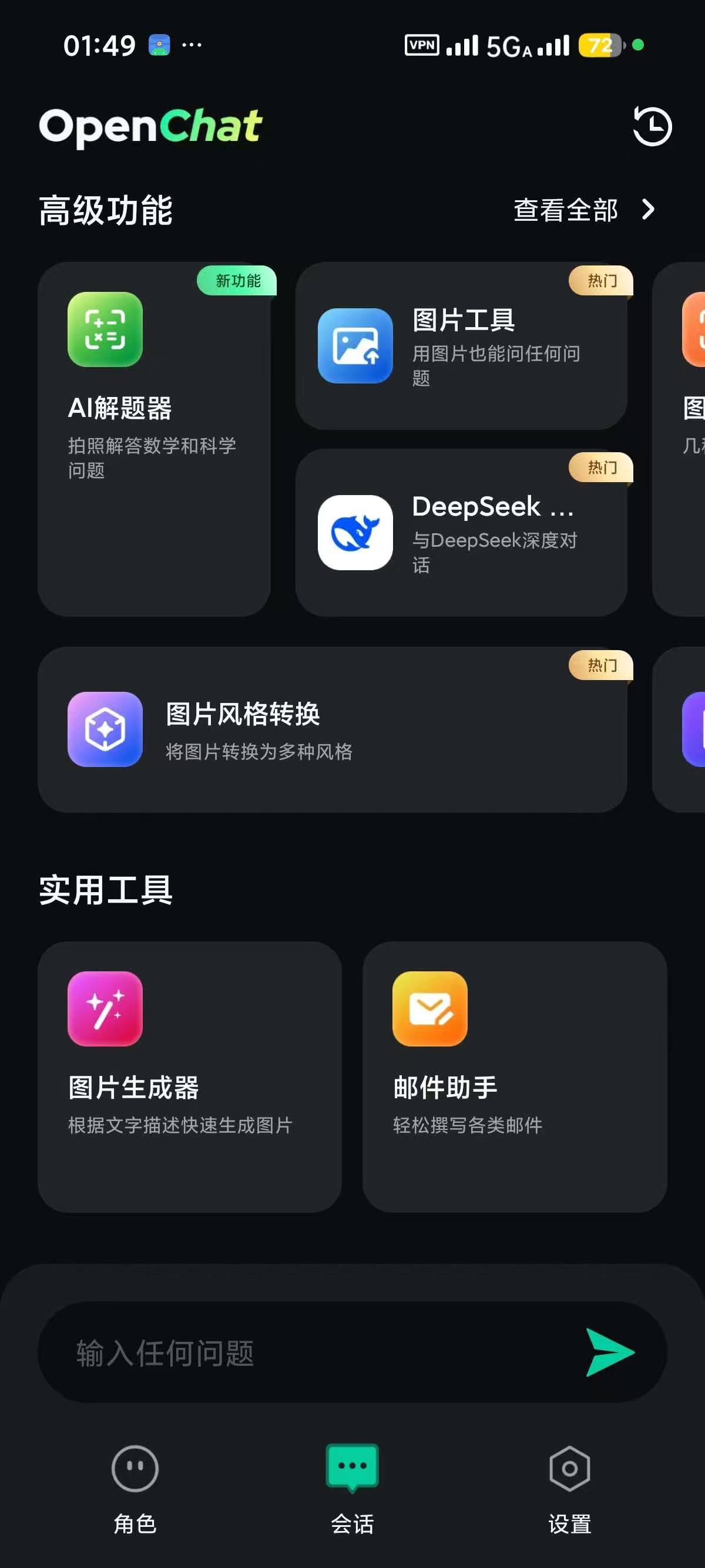
· 图片生成与处理:文字生成图片、图片分析(识别内容/代码解析/文字提取/图片问答)、图片风格转换、图片设计。
· DeepSeek-R1推理:与DeepSeek深度对话,进行复杂推理和深度分析。
· 文档与视频处理:文档上传处理及总结、YouTube视频一键总结。
· 网页搜索:即时查找在线信息。
· 实用工具:邮件助手、室内设计、健康饮食分析、图片转代码、代码解析。
高级版解锁全部功能,无广告,不限使用次数。
【下载地址】:https://pan.quark.cn/s/219d3fd28a95
拿走吱一声!