跳转到内容
View in the app

A better way to browse. Learn more.

彼岸论坛

A full-screen app on your home screen with push notifications, badges and more.

To install this app on iOS and iPadOS
  1. Tap the Share icon in Safari
  2. Scroll the menu and tap Add to Home Screen.
  3. Tap Add in the top-right corner.
To install this app on Android
  1. Tap the 3-dot menu (⋮) in the top-right corner of the browser.
  2. Tap Add to Home screen or Install app.
  3. Confirm by tapping Install.
欢迎抵达彼岸 彼岸花开 此处谁在 -彼岸论坛

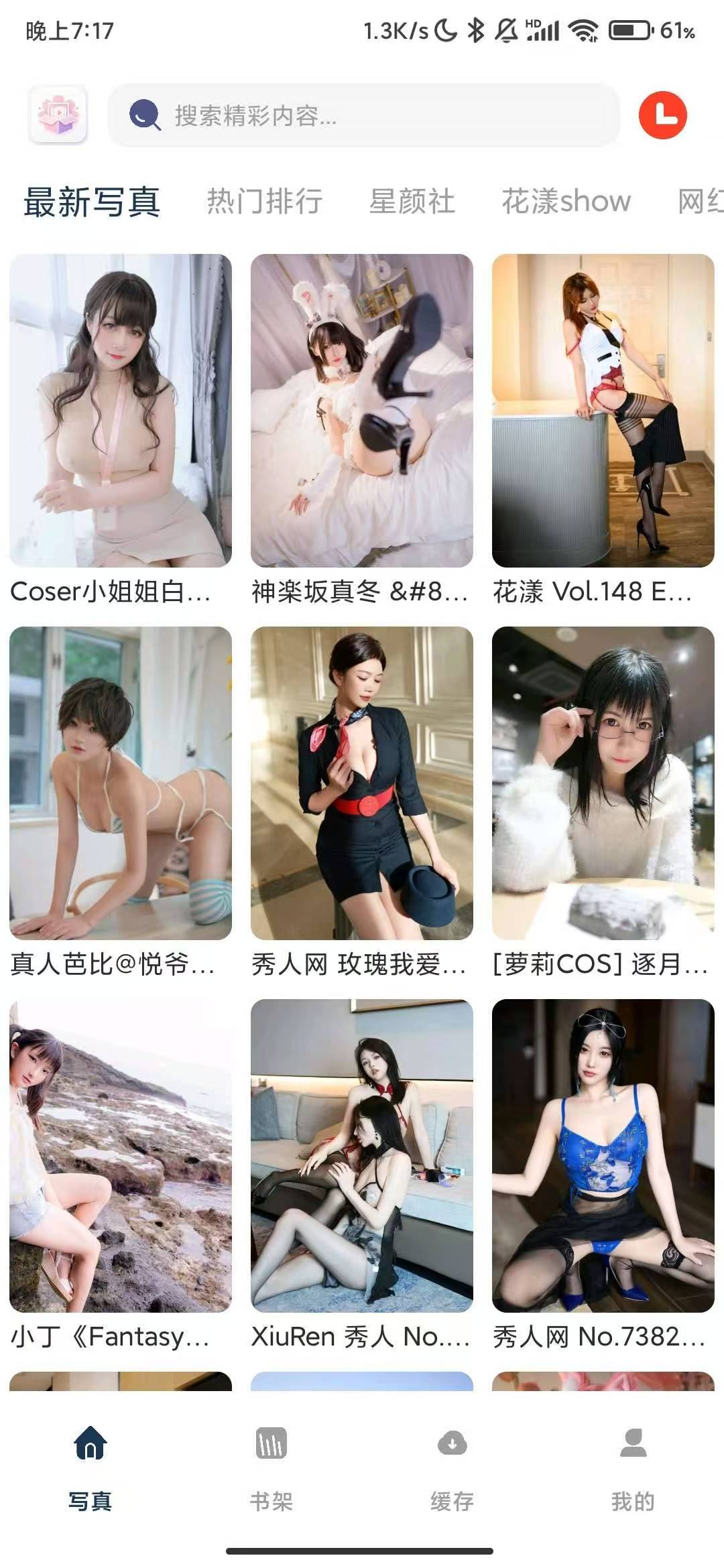
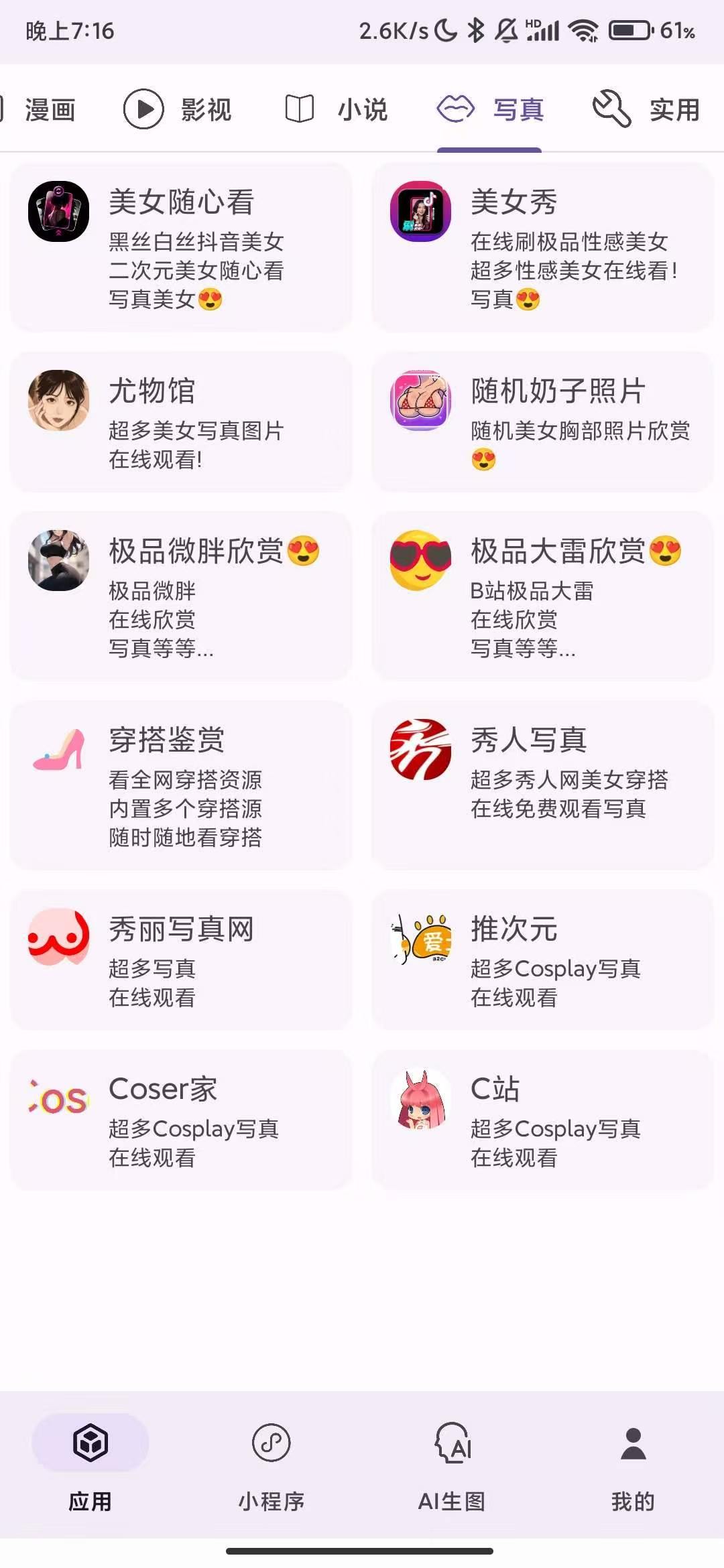
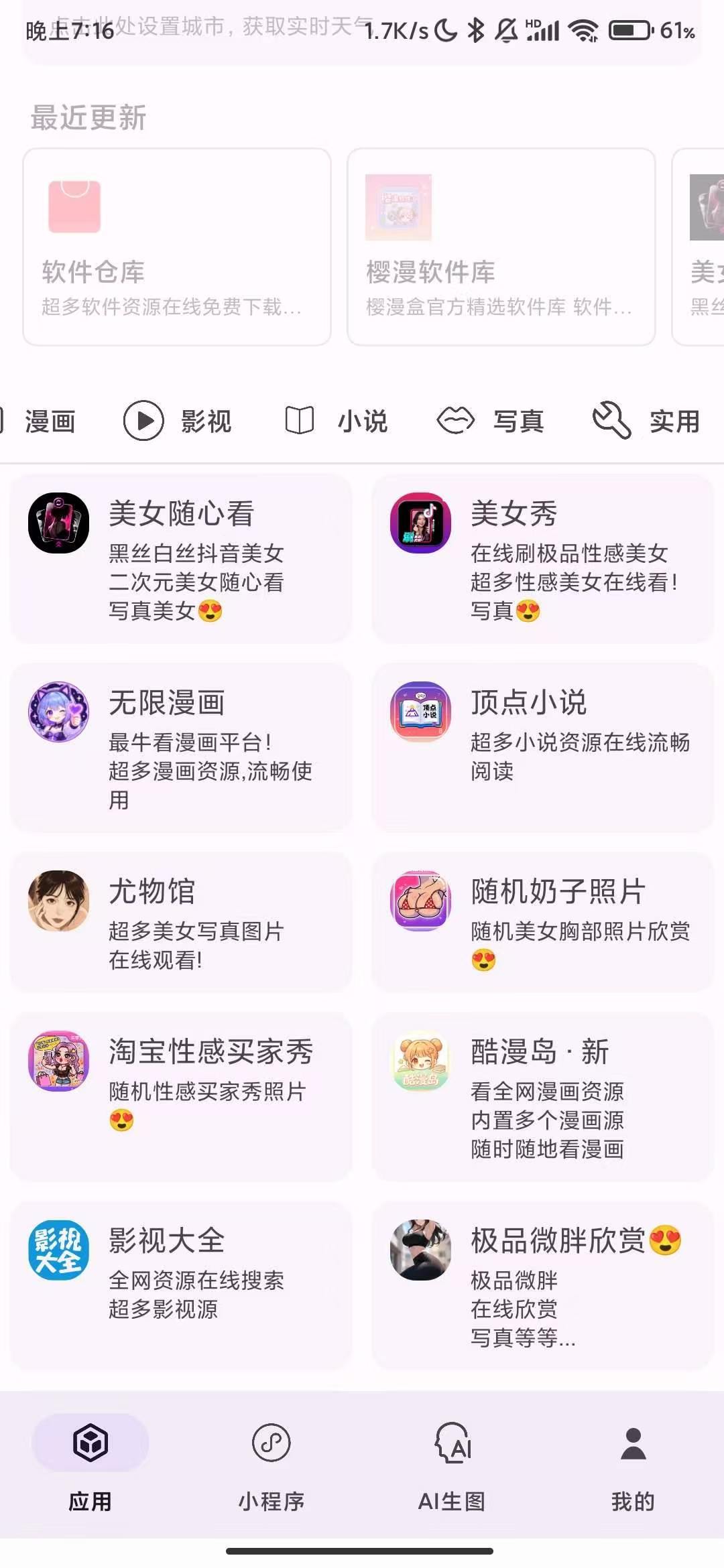
樱漫盒1.10老司机必备-美女视频爽图随心看,解锁激活版呀!

发表于

软件名称樱漫盒

软件大小49.73mb

软件版本1.10适用版本安卓软件介绍樱漫盒是一个十分实用的工具箱,集成了上百项日常实用功能:漫画观看、短视频聚合解析、GPTimage2.0生图、随机美女视频等功能应有尽有。无需安装多个APP,一键直达所需工具,轻松满足各种场景需求。

下载链接:https://pan.quark.cn/s/569741a173a8

拿走吱一声!
122831ykrnaai58avj4grf.jpg 122830fjgc252o4kggcole.jpg 122831gv31c34z04j0hd3r.jpg

Featured Replies

没有可显示的帖子

创建帐户或登录来提出意见

Account

导航

搜索

搜索

Configure browser push notifications

Chrome (Android)
  1. Tap the lock icon next to the address bar.
  2. Tap Permissions → Notifications.
  3. Adjust your preference.
Chrome (Desktop)
  1. Click the padlock icon in the address bar.
  2. Select Site settings.
  3. Find Notifications and adjust your preference.