跳转到内容
View in the app

A better way to browse. Learn more.

彼岸论坛

A full-screen app on your home screen with push notifications, badges and more.

To install this app on iOS and iPadOS
  1. Tap the Share icon in Safari
  2. Scroll the menu and tap Add to Home Screen.
  3. Tap Add in the top-right corner.
To install this app on Android
  1. Tap the 3-dot menu (⋮) in the top-right corner of the browser.
  2. Tap Add to Home screen or Install app.
  3. Confirm by tapping Install.
欢迎抵达彼岸 彼岸花开 此处谁在 -彼岸论坛

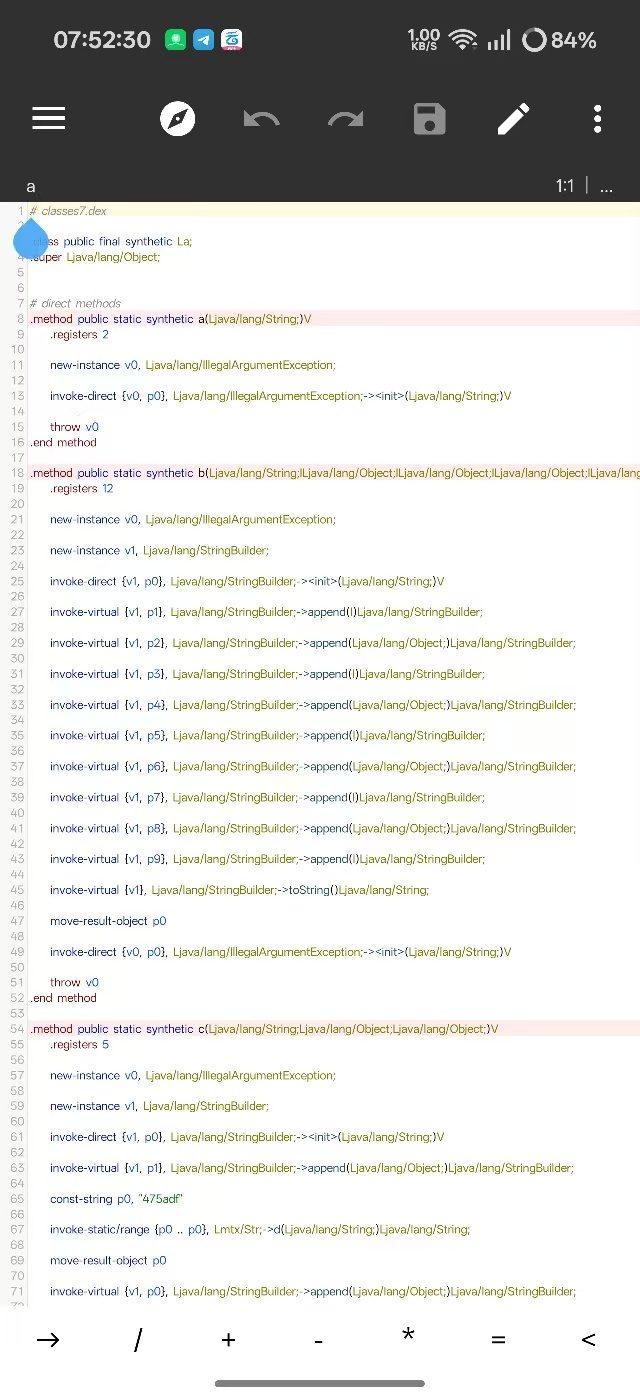
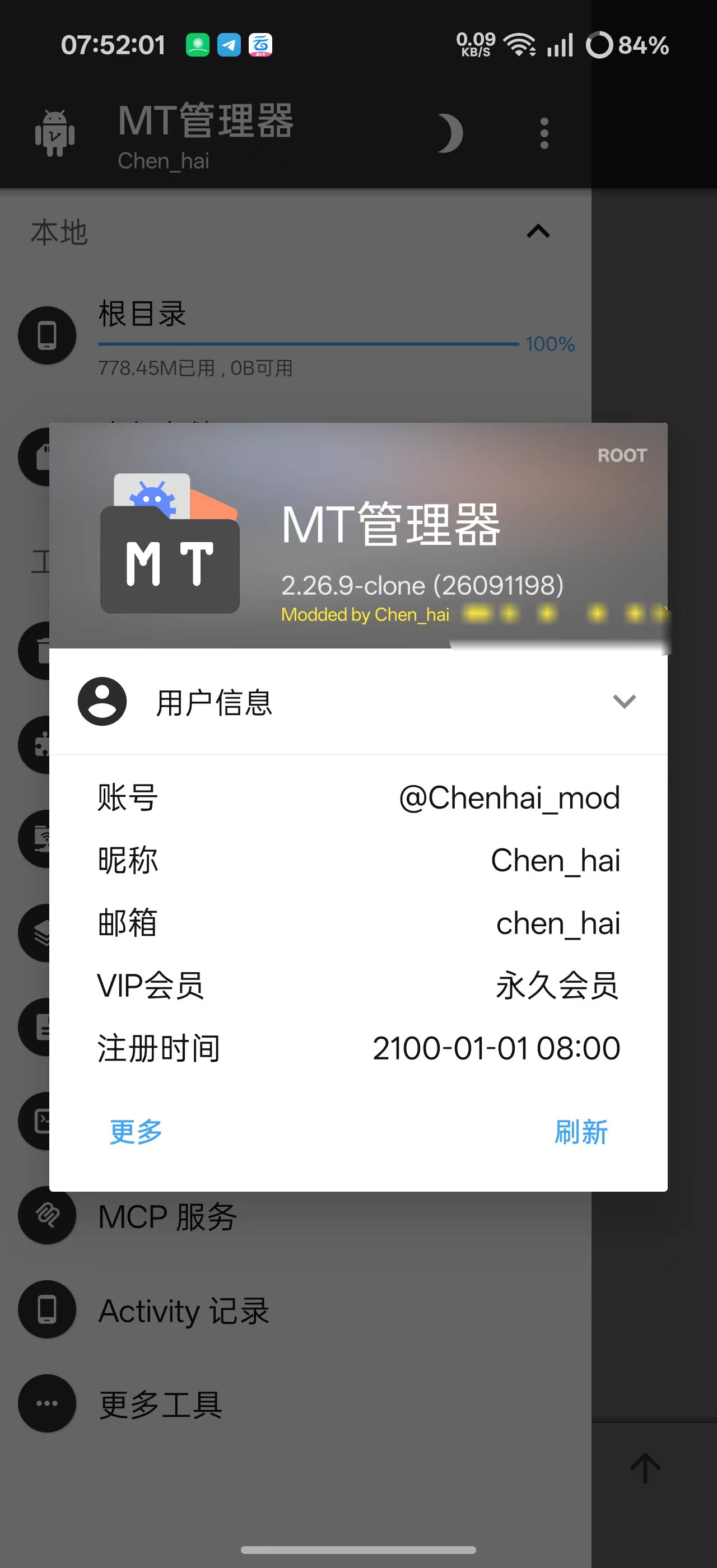
MT管理器最新高级版,逆向必备神器!

发表于

解锁大部分本地功能[滑稽]

【资源名称】:MT管理器

【资源版本】:2.26.9-clone

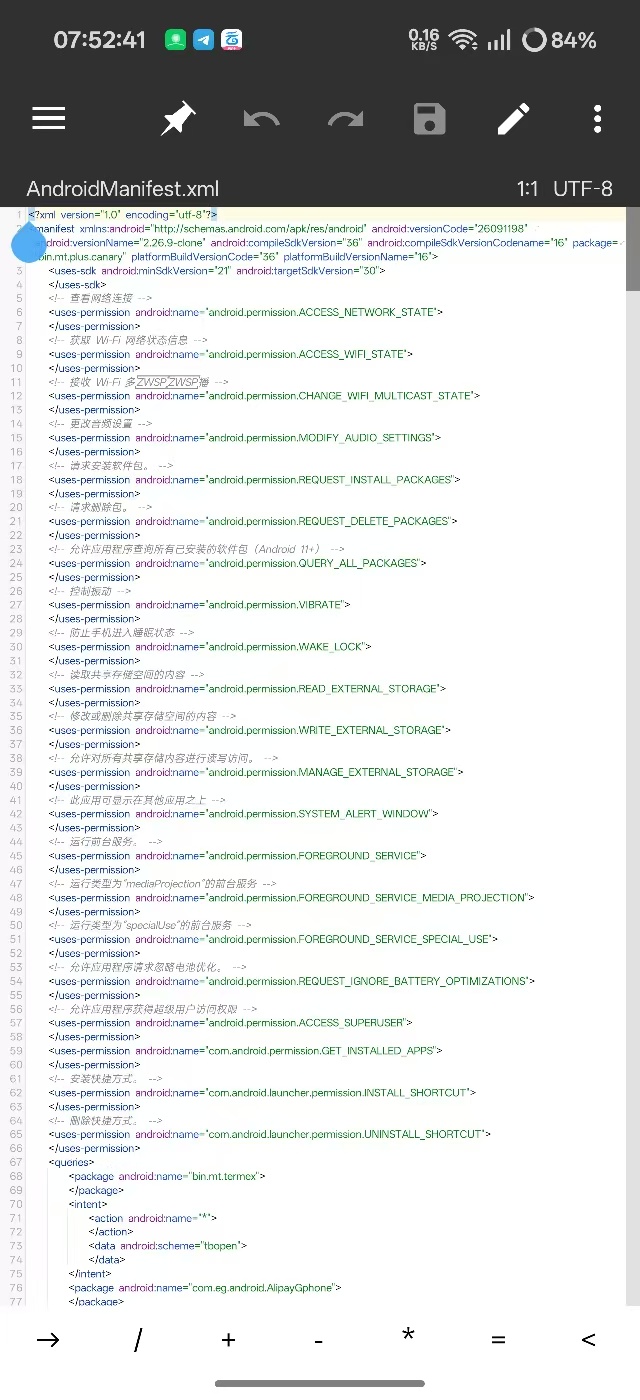
【资源介绍】:无需登录即可一站式使用 Arsc 增强编辑、资源/Dex 反混淆与 Dex 字符串解密、Dex/文本比较、XML 反编译、无限十六进制编辑、Smali 多引擎转 Java、签名移除、文档提供者、JKS/BKS 密钥生成、APK 并存,以及 FTP/FTPS/SFTP/SMB/WebDAV/对象存储网络存储等逆向与文件处理功能。

【资源大小】:40MB

【下载链接】:https://pan.quark.cn/s/ac38b56d59e6

拿走吱一声!!!不然用不了!!!

103843y2eblq3bnnb387n2.jpg 103852q9t39haawhgzaiqz.jpg 103902l8zrhtle3rkmk4ai.jpg

Featured Replies

没有可显示的帖子

创建帐户或登录来提出意见

Account

导航

搜索

搜索

Configure browser push notifications

Chrome (Android)
  1. Tap the lock icon next to the address bar.
  2. Tap Permissions → Notifications.
  3. Adjust your preference.
Chrome (Desktop)
  1. Click the padlock icon in the address bar.
  2. Select Site settings.
  3. Find Notifications and adjust your preference.