发表于 8小时前8小时 【楼主评价】:无限文生图[顶!]无限图生图[顶!]无限图片重绘[顶!]【软件名称】:RunwayML绘画 解锁会员【软件版本】:v3.0.0【软件大小】:52MB【测试平台】:红米Note 12T Pro /澎湃OS /安卓15【软件介绍】RunwayML绘画是一款移动端AI图像创作软件,支持文字描述生成画作,也可上传图片进行图生图重绘。内置摄影、国风、素描、油画等多种风格模型,自带提示词辅助工具,可快速润色描述语句。灵感画廊提供大量参考样图,作品自动保存至作品集,能够满足插画、人像、场景等各类创意绘图需求。【核心功能】1. 文字生成图片,输入提示词一键绘制创意图像2. 图生图重绘功能,上传原图进行风格二次改造3. 多款艺术模型,覆盖素描油画国风插画等风格4. 提示词辅助工具,帮助优化描述词提升出图效果5. 作品自动保存,在作品集内统一管理绘制图片【下载链接】:https://pan.quark.cn/s/cf1f81928e2d拿走吱一声,不做白嫖怪
【楼主评价】:无限文生图[顶!]无限图生图[顶!]无限图片重绘[顶!]
【软件名称】:RunwayML绘画 解锁会员
【软件版本】:v3.0.0
【软件大小】:52MB
【测试平台】:红米Note 12T Pro /澎湃OS /安卓15
【软件介绍】
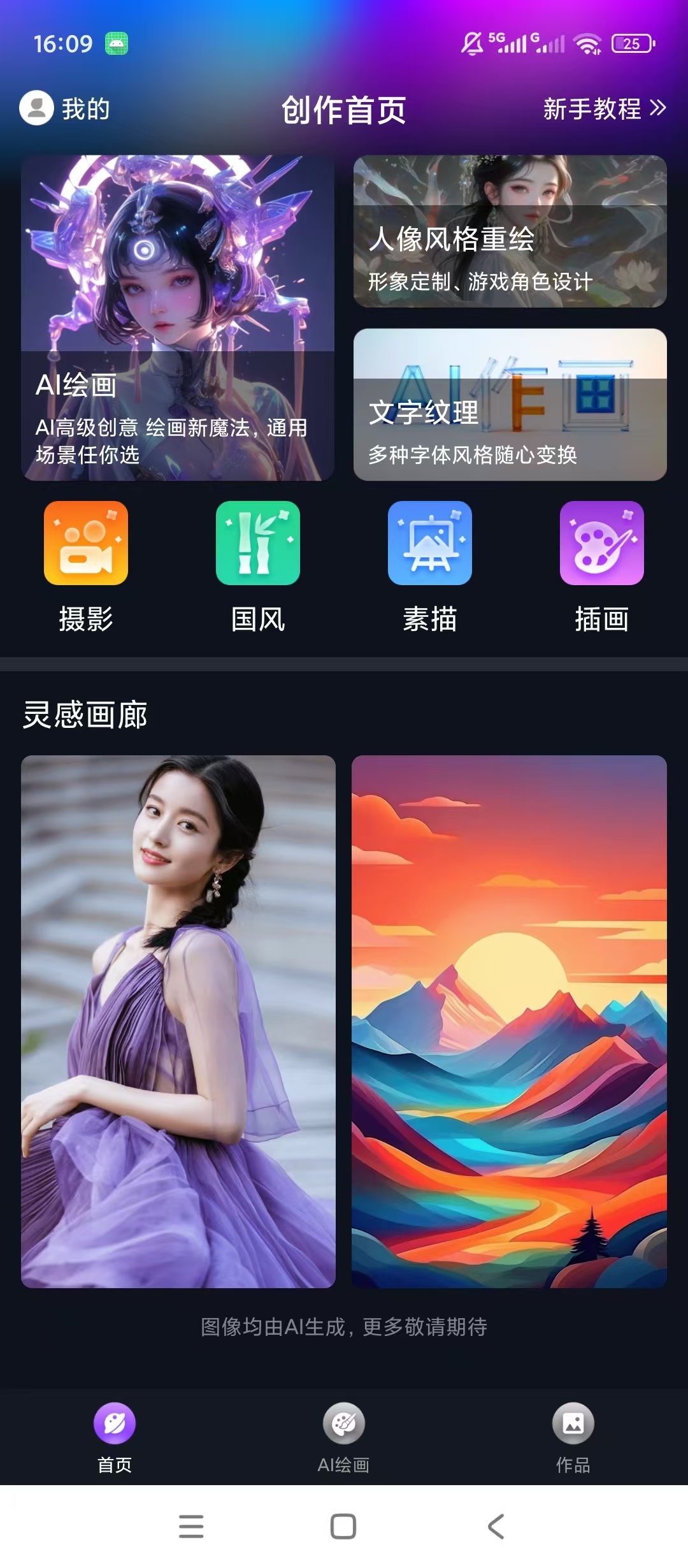
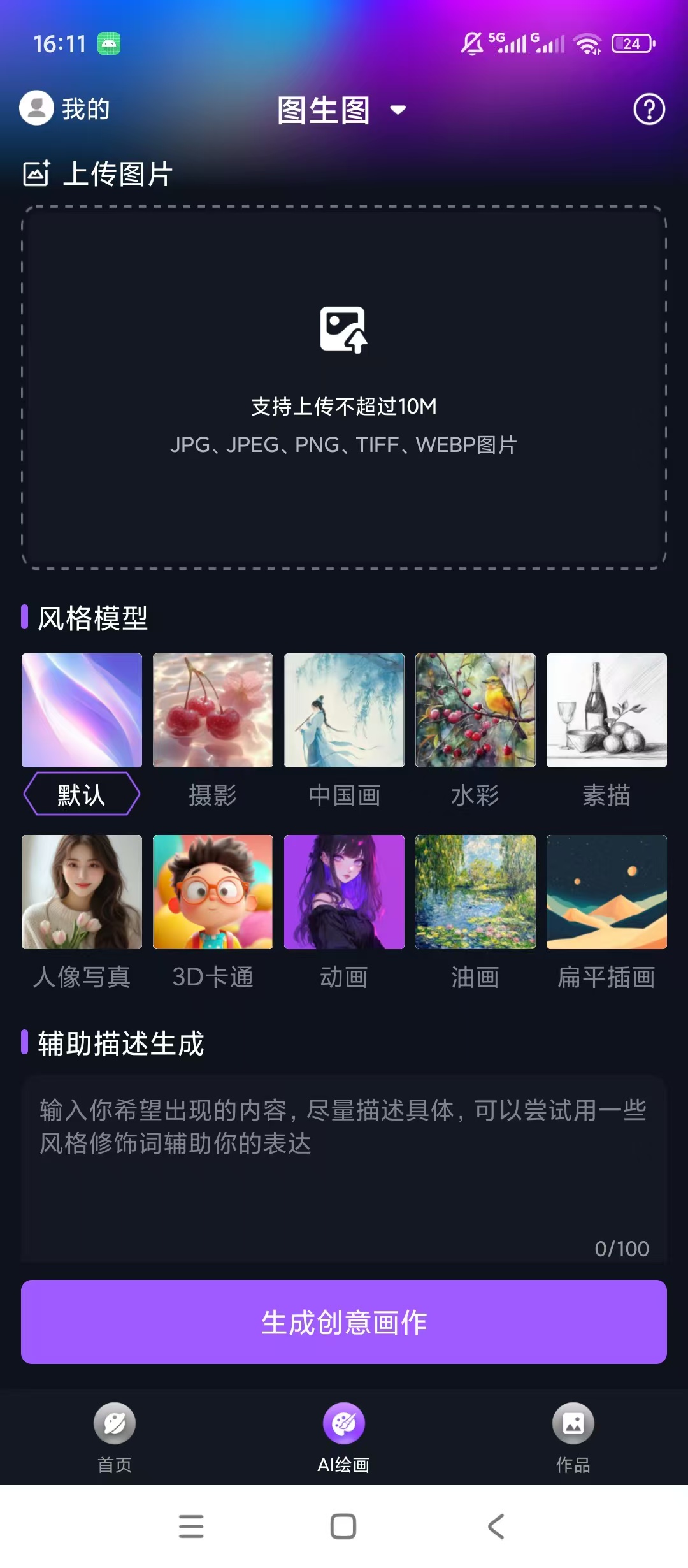
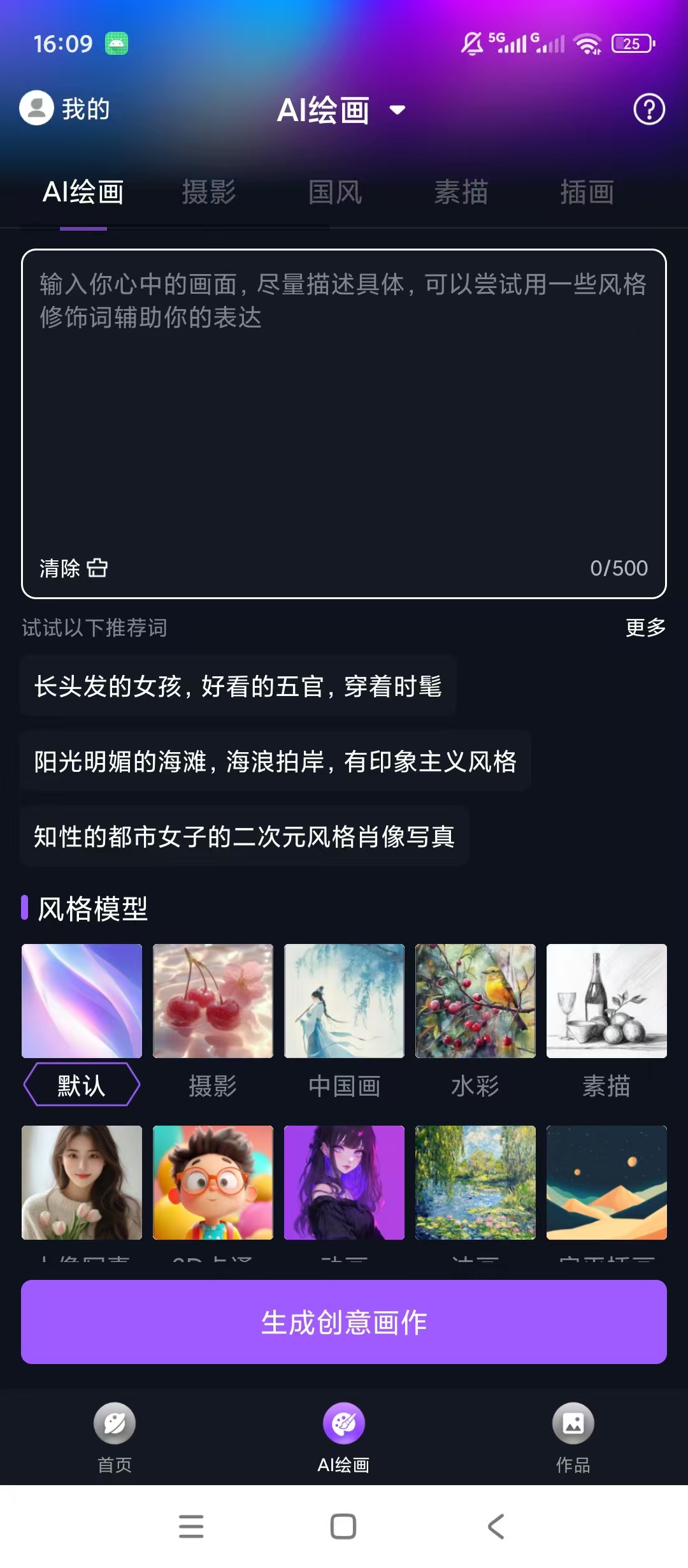
RunwayML绘画是一款移动端AI图像创作软件,支持文字描述生成画作,也可上传图片进行图生图重绘。内置摄影、国风、素描、油画等多种风格模型,自带提示词辅助工具,可快速润色描述语句。灵感画廊提供大量参考样图,作品自动保存至作品集,能够满足插画、人像、场景等各类创意绘图需求。
【核心功能】
1. 文字生成图片,输入提示词一键绘制创意图像
2. 图生图重绘功能,上传原图进行风格二次改造
3. 多款艺术模型,覆盖素描油画国风插画等风格
4. 提示词辅助工具,帮助优化描述词提升出图效果
5. 作品自动保存,在作品集内统一管理绘制图片
【下载链接】:https://pan.quark.cn/s/cf1f81928e2d
拿走吱一声,不做白嫖怪