跳转到内容
View in the app

A better way to browse. Learn more.

彼岸论坛

A full-screen app on your home screen with push notifications, badges and more.

To install this app on iOS and iPadOS
  1. Tap the Share icon in Safari
  2. Scroll the menu and tap Add to Home Screen.
  3. Tap Add in the top-right corner.
To install this app on Android
  1. Tap the 3-dot menu (⋮) in the top-right corner of the browser.
  2. Tap Add to Home screen or Install app.
  3. Confirm by tapping Install.
欢迎抵达彼岸 彼岸花开 此处谁在 -彼岸论坛

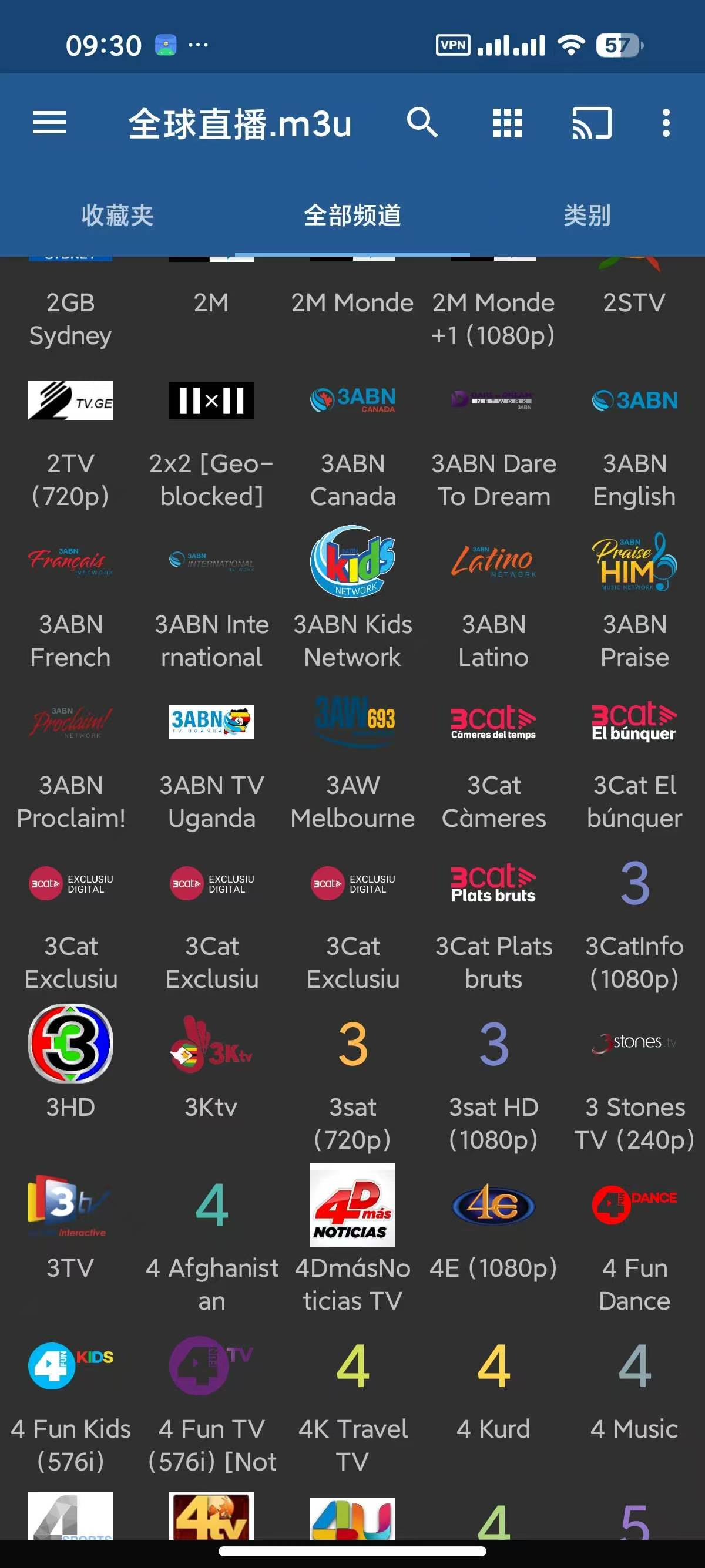
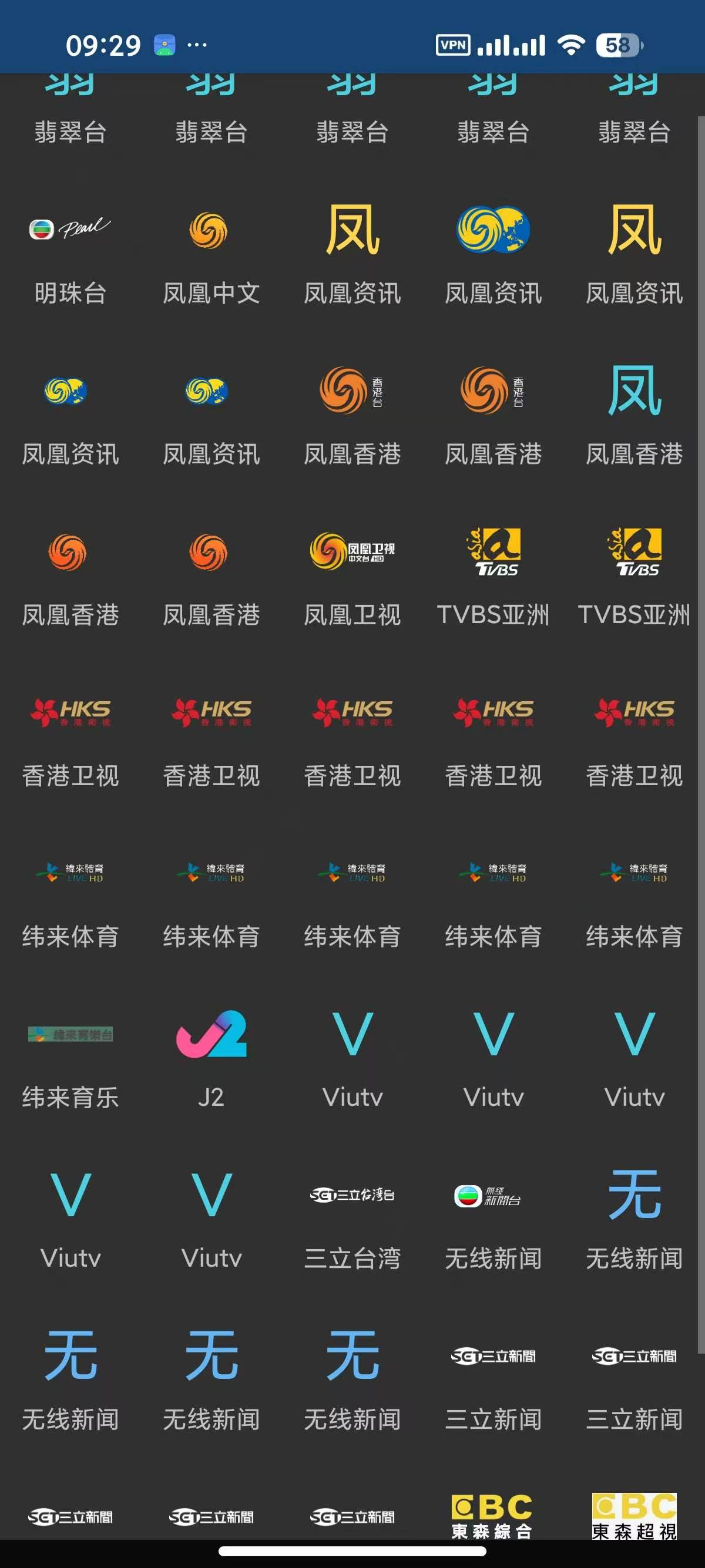
IPTV pro,观看全球网络直播!

发表于

【应用名称】:IPTV Pro  
【应用版本】:9.1.26
【应用大小】:80 MB  
【适用平台】:Android  
【软件介绍】  
IPTV Pro是一款集成了互联网、多媒体和通讯技术的交互式网络电视应用。它利用宽带网络提供包括数字电视在内的多种交互式服务,让用户能够通过Internet服务提供商观看IPTV或访问网络上的其他免费直播电视频道。该应用特别适合希望充分利用网络资源并享受高质量直播电视体验的用户。IPTV Pro还支持导入外部接口,使得用户可以根据自己的需求添加不同的频道源,极大地丰富了观看选择和灵活性。

【下载地址】 :https://pan.quark.cn/s/57b610f03303

首评有葫芦奖励发放
113421koodznoy1ao191f1.jpg 113421pfew0ewicceiwwj2.jpg 113421uq81l1ql8y64qgli.jpg

Featured Replies

没有可显示的帖子

创建帐户或登录来提出意见

Account

导航

搜索

搜索

Configure browser push notifications

Chrome (Android)
  1. Tap the lock icon next to the address bar.
  2. Tap Permissions → Notifications.
  3. Adjust your preference.
Chrome (Desktop)
  1. Click the padlock icon in the address bar.
  2. Select Site settings.
  3. Find Notifications and adjust your preference.