跳转到内容
View in the app

A better way to browse. Learn more.

彼岸论坛

A full-screen app on your home screen with push notifications, badges and more.

To install this app on iOS and iPadOS
  1. Tap the Share icon in Safari
  2. Scroll the menu and tap Add to Home Screen.
  3. Tap Add in the top-right corner.
To install this app on Android
  1. Tap the 3-dot menu (⋮) in the top-right corner of the browser.
  2. Tap Add to Home screen or Install app.
  3. Confirm by tapping Install.
欢迎抵达彼岸 彼岸花开 此处谁在 -彼岸论坛

栗子漫画 最新破解去广版 国日美韩漫画免费观看

发表于

栗子漫画是一款聚合国漫、日漫、韩漫、美漫等资源的免费漫画阅读工具,内置热血、恋爱、冒险、悬疑、科幻等叁十多种题材分类,支持搜索、排行榜、分类筛选及离线下载。该版本为去广告破解版,核心卖点是免广告领取奖励,已去除应用内广告干扰。
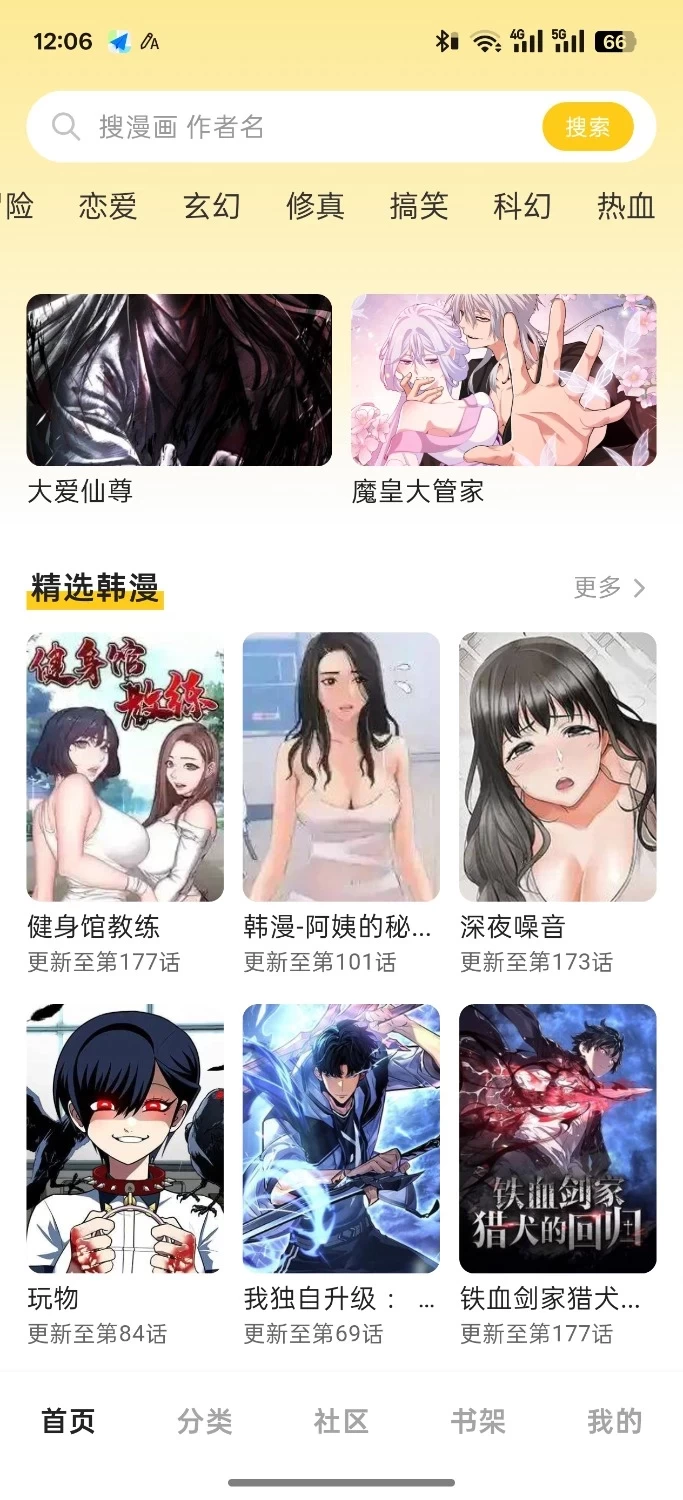
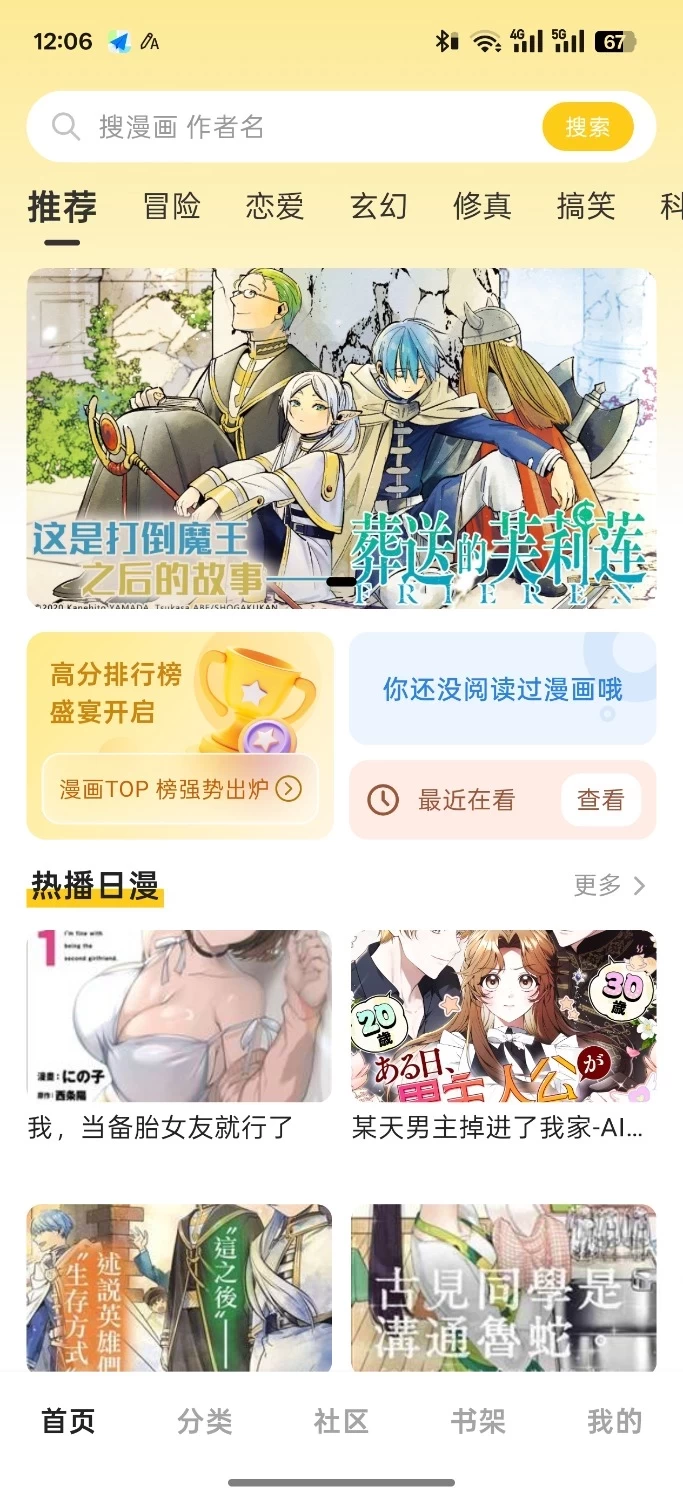
下载链接:https://pan.quark.cn/s/0c66708468a2

拿走吱一声!
113922ct6ww7l6pkokki4y.jpg 113923gvkc68m886wmkfr7.jpg

Featured Replies

没有可显示的帖子

创建帐户或登录来提出意见

Account

导航

搜索

搜索

Configure browser push notifications

Chrome (Android)
  1. Tap the lock icon next to the address bar.
  2. Tap Permissions → Notifications.
  3. Adjust your preference.
Chrome (Desktop)
  1. Click the padlock icon in the address bar.
  2. Select Site settings.
  3. Find Notifications and adjust your preference.