跳转到内容
View in the app

A better way to browse. Learn more.

彼岸论坛

A full-screen app on your home screen with push notifications, badges and more.

To install this app on iOS and iPadOS
  1. Tap the Share icon in Safari
  2. Scroll the menu and tap Add to Home Screen.
  3. Tap Add in the top-right corner.
To install this app on Android
  1. Tap the 3-dot menu (⋮) in the top-right corner of the browser.
  2. Tap Add to Home screen or Install app.
  3. Confirm by tapping Install.
欢迎抵达彼岸 彼岸花开 此处谁在 -彼岸论坛

[分享创造] 模拟人生角色扮演 AI 练口语:剧本英语。独立开发,只有 iOS 版,请大家捧场! [🎁送码]

发表于

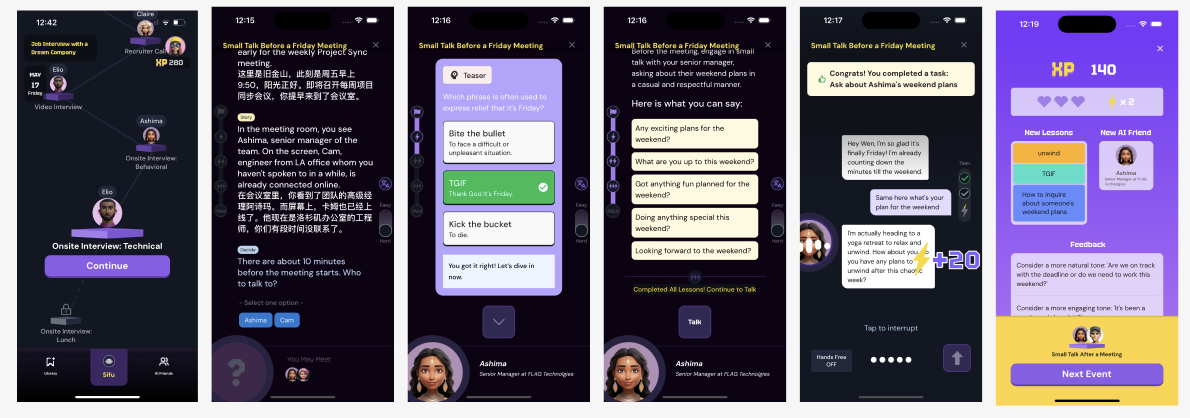
玩法

玩一个剧本

解锁剧情->学习地道语料->AI 对话练习->实时反馈 Screenshot_2024_07_09_at_12.46.55_AM.png

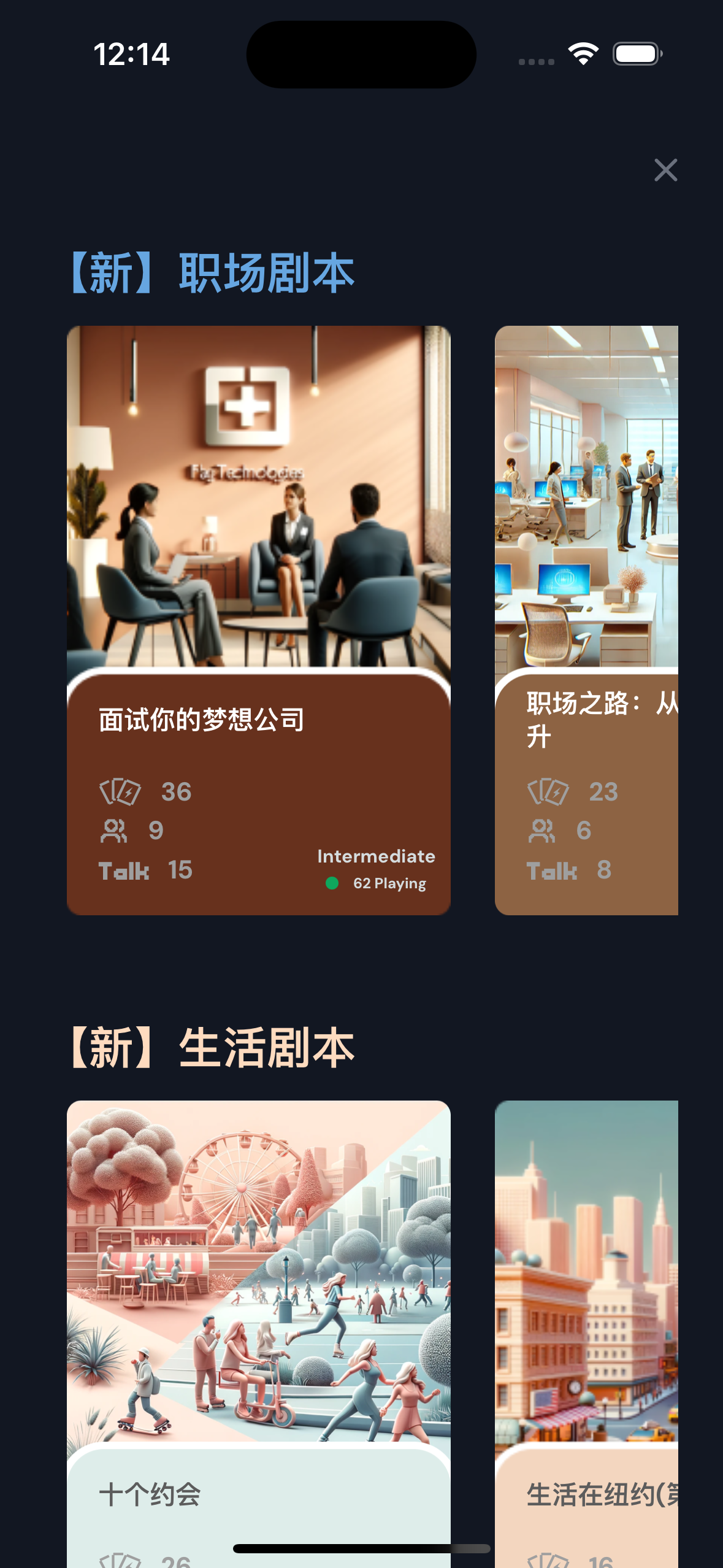
找更多剧本

因为自己主要想提高职场英语,所以创作了几个职场剧本,也有好玩点的约会、生活剧本。 Simulator_Screenshot___iPhone_15___2024_
AI 好友聊热门话题

Screenshot_2024_07_09_at_1.00.21_AM.png

技术架构

前端 react native, 原生 STT
后端 Python, Azure Function, Azure TTS, OpenAI GPT3.5 + GPT4 + DallE 3
数据库 Supabase auth + sql + storage, QDrant vectoreDB

会员兑换码:SUMMERGO ,欢迎大家试用提 bug ! 欢迎加入微信群交流讨论👇🏻 IMG_9005.jpg?token=eyJhbGciOiJIUzI1NiIsI
Featured Replies

No posts to show

创建帐户或登录来提出意见

Configure browser push notifications

Chrome (Android)
  1. Tap the lock icon next to the address bar.
  2. Tap Permissions → Notifications.
  3. Adjust your preference.
Chrome (Desktop)
  1. Click the padlock icon in the address bar.
  2. Select Site settings.
  3. Find Notifications and adjust your preference.