发表于 2024年7月18日1年前 开源地址 https://github.com/ruby-ya/share-demo 需求来源 事情是这样的,我有一个死宅朋友,他收集了很多表情包,但是微信发出去的时候,却都是以图片格式发出去的,这非常的不方便,于是他委托我写一个分享的插件,将图片格式在分享的时候,可以转为表情包分享到微信。 安装 点击 release 页面,找到最新版,下载到手机中安装。安装好了之后,分享图片的时候,在分享目标中可以找到下面这个 icon ,点击即可转为表情包然后再进行分享。 使用方式 因为这里没法插入很多图片和视频,可以看以下飞书文档介绍。https://p9woebxt2a.feishu.cn/docx/S1FedPEJZoB4qxxSURkczGuhnBg
开源地址
https://github.com/ruby-ya/share-demo
需求来源
事情是这样的,我有一个死宅朋友,他收集了很多表情包,但是微信发出去的时候,却都是以图片格式发出去的,这非常的不方便,于是他委托我写一个分享的插件,将图片格式在分享的时候,可以转为表情包分享到微信。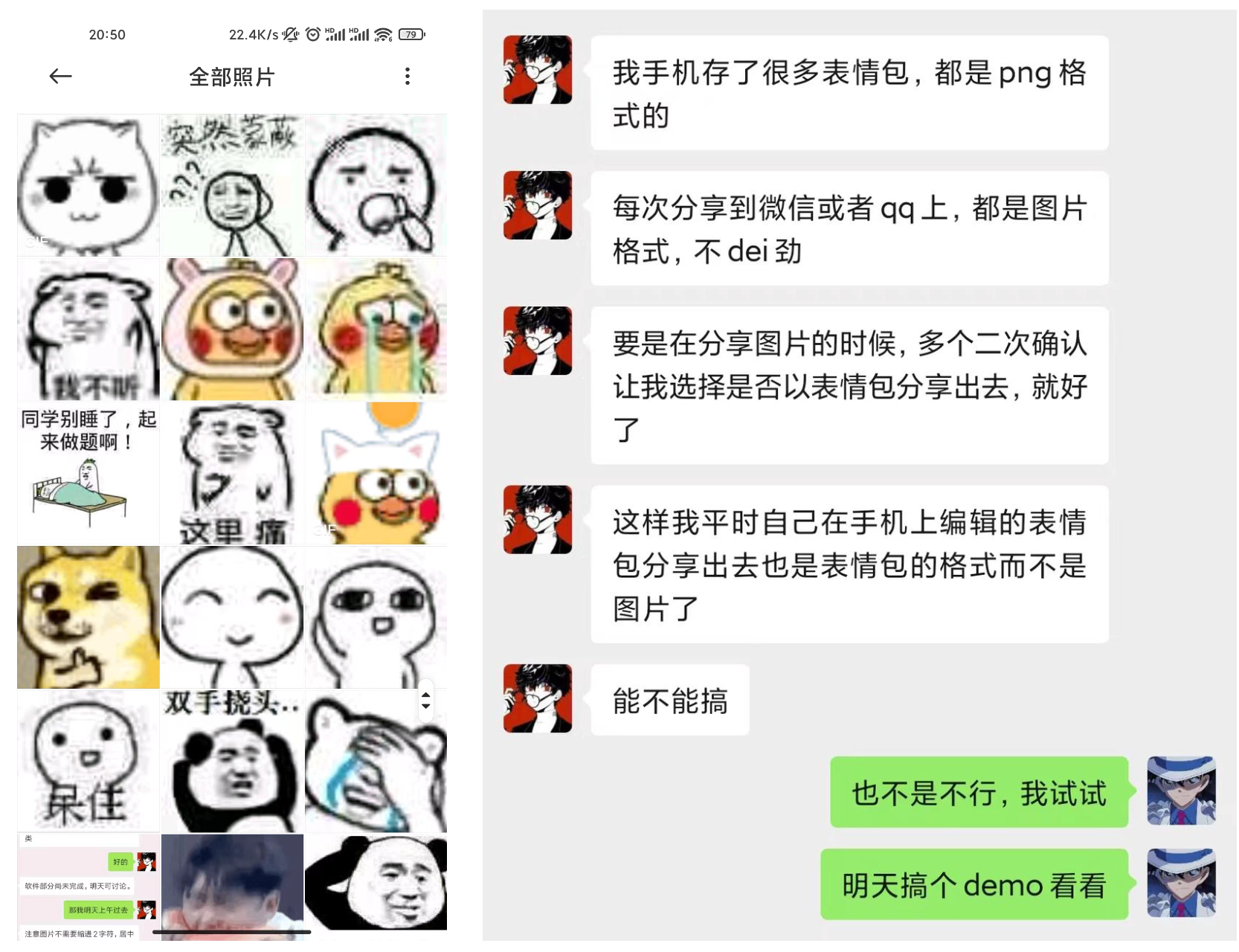
安装
点击 release 页面,找到最新版,下载到手机中安装。安装好了之后,分享图片的时候,在分享目标中可以找到下面这个 icon ,点击即可转为表情包然后再进行分享。
使用方式
因为这里没法插入很多图片和视频,可以看以下飞书文档介绍。https://p9woebxt2a.feishu.cn/docx/S1FedPEJZoB4qxxSURkczGuhnBg