跳转到内容
View in the app

A better way to browse. Learn more.

彼岸论坛

A full-screen app on your home screen with push notifications, badges and more.

To install this app on iOS and iPadOS
  1. Tap the Share icon in Safari
  2. Scroll the menu and tap Add to Home Screen.
  3. Tap Add in the top-right corner.
To install this app on Android
  1. Tap the 3-dot menu (⋮) in the top-right corner of the browser.
  2. Tap Add to Home screen or Install app.
  3. Confirm by tapping Install.
欢迎抵达彼岸 彼岸花开 此处谁在 -彼岸论坛

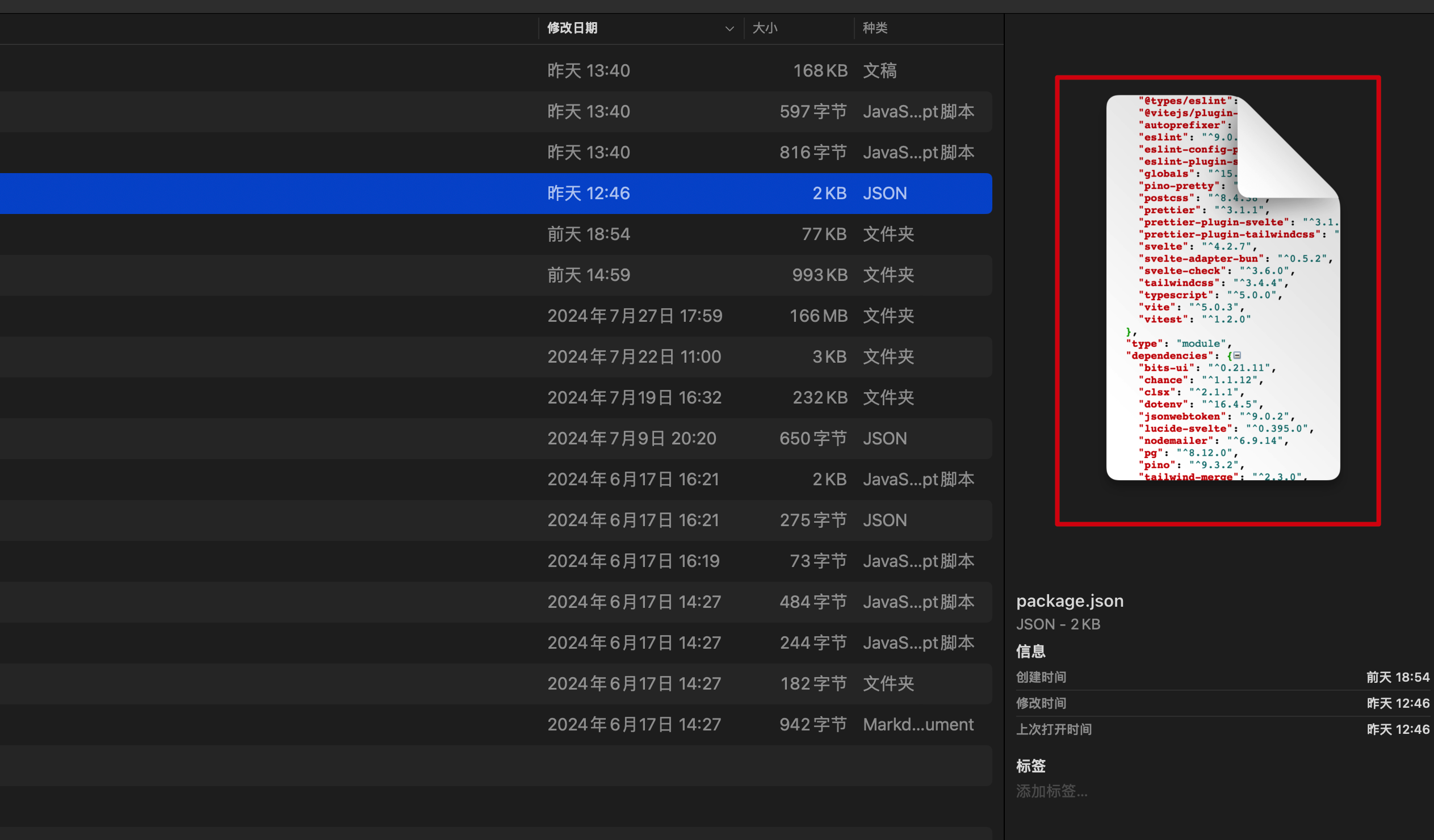
[macOS] 如何取消 json 文件默认使用 xcode 进行快速查看和预览?

发表于

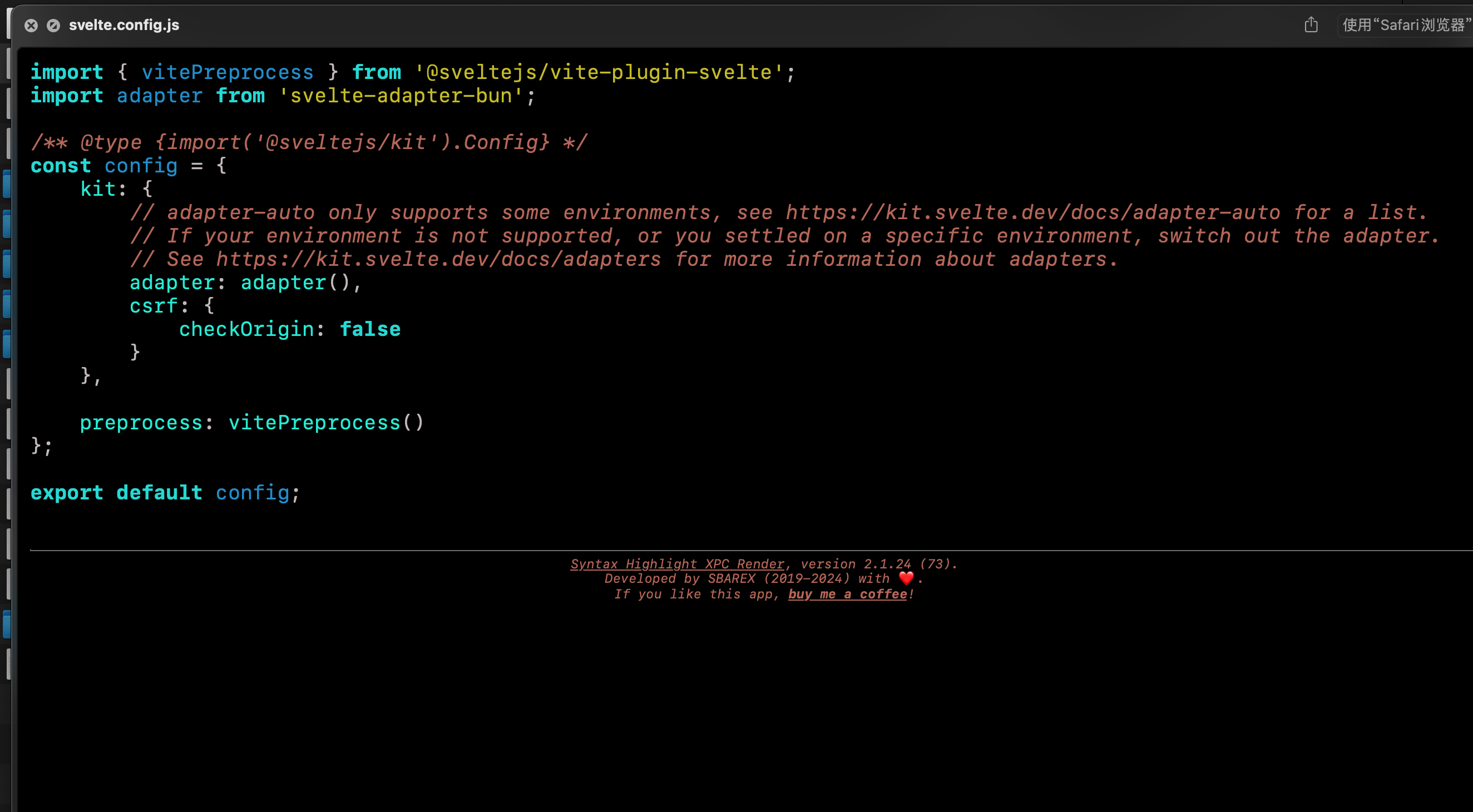
我希望使用我安装的第三方软件如 Syntax Highlight 来进行快速预览。 已经在文件简介里面设置了默认打开方式了,但是对快速查看无效,对菜单栏右侧的预览也无效。 Fg7CqSO5dHthT6m bhmIyzpVwGBENM1

希望的预览效果( Syntax Highlight ): fKs8k1iBGpcym3a

Featured Replies

No posts to show

创建帐户或登录来提出意见

Configure browser push notifications

Chrome (Android)
  1. Tap the lock icon next to the address bar.
  2. Tap Permissions → Notifications.
  3. Adjust your preference.
Chrome (Desktop)
  1. Click the padlock icon in the address bar.
  2. Select Site settings.
  3. Find Notifications and adjust your preference.