跳转到内容
View in the app

A better way to browse. Learn more.

彼岸论坛

A full-screen app on your home screen with push notifications, badges and more.

To install this app on iOS and iPadOS
  1. Tap the Share icon in Safari
  2. Scroll the menu and tap Add to Home Screen.
  3. Tap Add in the top-right corner.
To install this app on Android
  1. Tap the 3-dot menu (⋮) in the top-right corner of the browser.
  2. Tap Add to Home screen or Install app.
  3. Confirm by tapping Install.
欢迎抵达彼岸 彼岸花开 此处谁在 -彼岸论坛

[游戏] 蹭一下黑猴的热度,突然想起了一款老游戏

发表于

看到黑猴的火爆程度想起了当年一部很火的动画片《大圣归来》,又从《大圣归来》想起了一款老游戏《忍 shinobi 》 ! 图片 图片
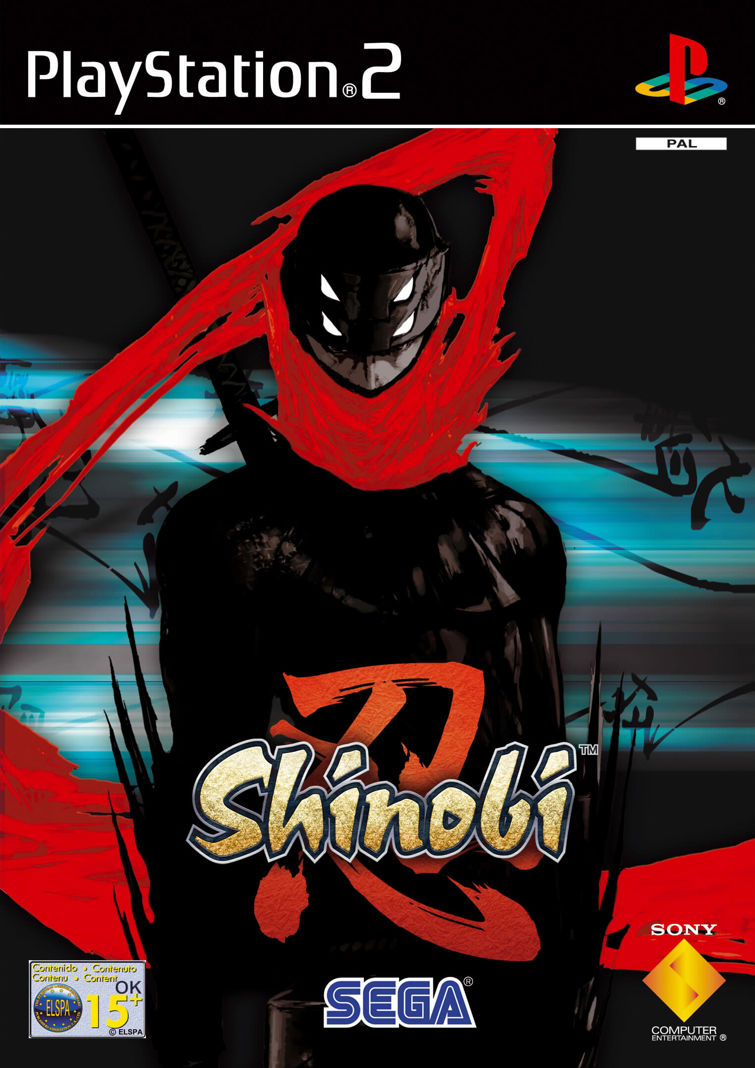
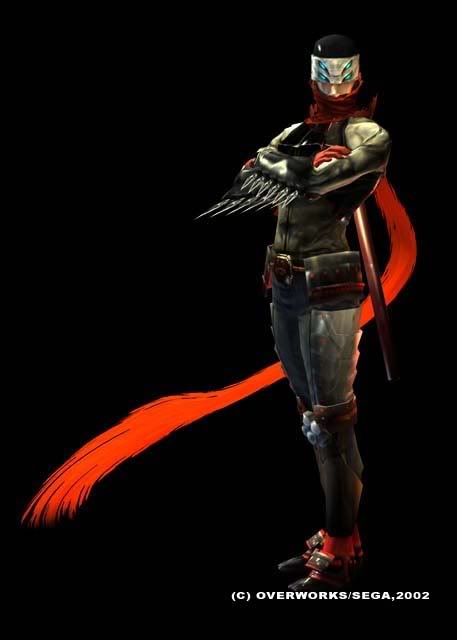
当年真是觉得这款游戏的美术设计和游戏设计真是🐮13 ,游戏的手感、流畅性和爽快度实在一流,主角那一抹红色的围巾的视觉效果怎一个帅字了得。以至于《大圣归来》的美术设计几乎都是照抄了,相信人物设计即便没有深入的玩过这款游戏也肯定是深深的被这个设计折服了。

一转眼二十多年过去了,现在对电子游戏顶多是看个热闹,找不回当年的感觉了。

Featured Replies

No posts to show

创建帐户或登录来提出意见

Configure browser push notifications

Chrome (Android)
  1. Tap the lock icon next to the address bar.
  2. Tap Permissions → Notifications.
  3. Adjust your preference.
Chrome (Desktop)
  1. Click the padlock icon in the address bar.
  2. Select Site settings.
  3. Find Notifications and adjust your preference.